
September 24, 2026
September 24, 2026
Save your chart style and fine-tune replay
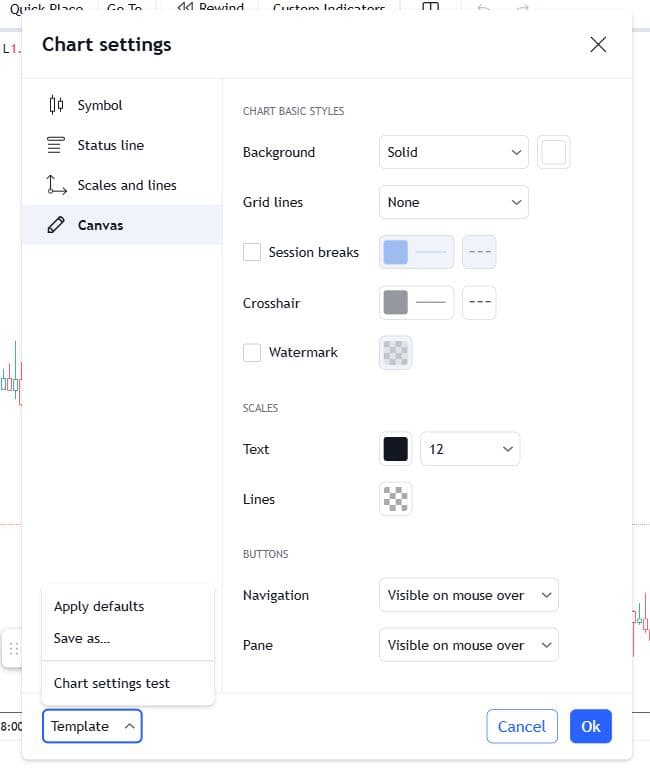
Reuse your chart settings and theme, choose an exact session start time, and keep replay in sync as you switch timeframes.
September 24, 2026
September 24, 2026
Reuse your chart settings and theme, choose an exact session start time, and keep replay in sync as you switch timeframes.
September 24, 2026
September 24, 2026
Improved recovery when hourly history is missing or a data request briefly fails.
September 21, 2026
September 21, 2026
Keep both chart views together, match their timeframes too, or leave them independent.
September 20, 2026
September 20, 2026
Charts fit the screen more reliably, and saved drawing styles are easier to reach.
September 19, 2026
September 19, 2026
Fixed cases where replay controls stopped responding after opening or leaving a session.
September 17, 2026
September 17, 2026
Another requested indicator joins the collection, with wider timeframe support for session boxes.
September 16, 2026
September 16, 2026
Your charts and drawings restore more reliably when you return to a session.
September 14, 2026
September 14, 2026
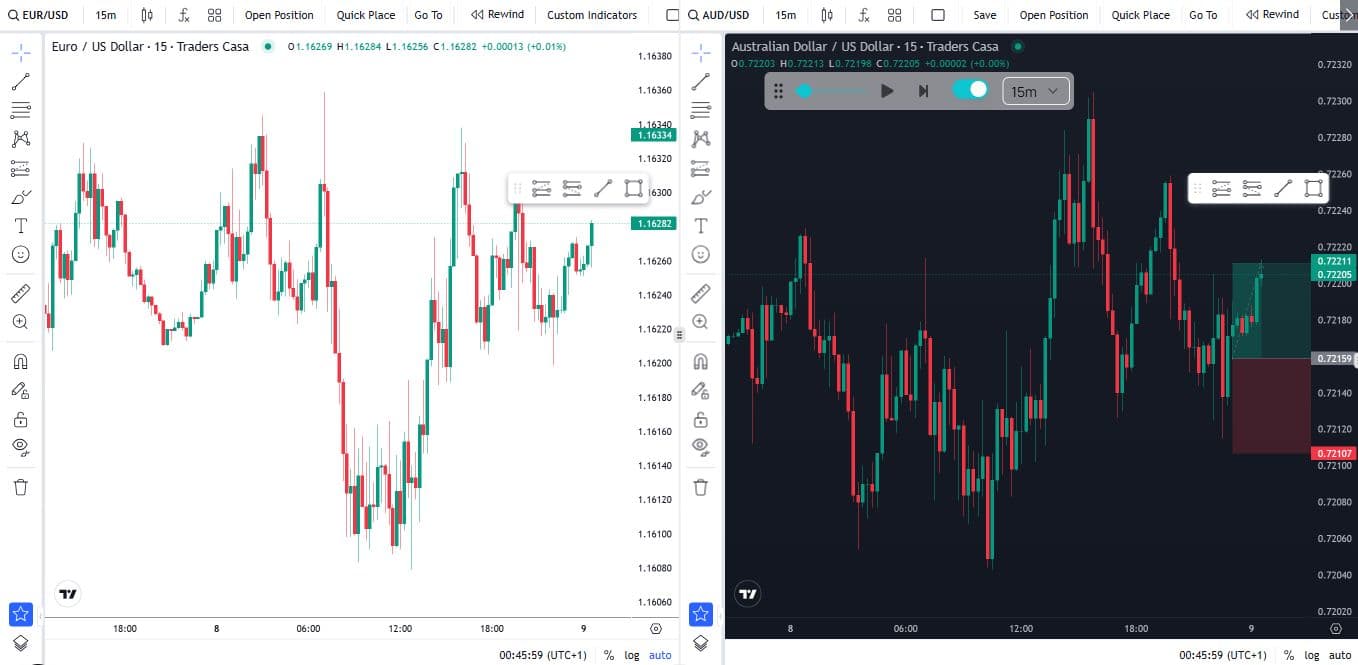
Backtest up to five pairs in one session, with two charts side by side on desktop.
September 12, 2026
September 12, 2026
Browse indicators by category from the chart toolbar and control their drawings more reliably.
September 8, 2026
September 8, 2026
New tools for liquidity, volume and moving averages, available on Basic and Pro.
September 3, 2026
September 3, 2026
ICT Macros is available on Basic and Pro.
September 2, 2026
September 2, 2026
CBDR Range joins the custom indicator collection on Basic and Pro.
September 1, 2026
September 1, 2026
A new forex pair and another way to track price around VWAP.
August 25, 2026
August 25, 2026
A round of fixes for saved charts, candle playback and getting back into your paid plan.
August 19, 2026
August 19, 2026
Improved the prompts shown when you start backtesting.
August 19, 2026
August 19, 2026
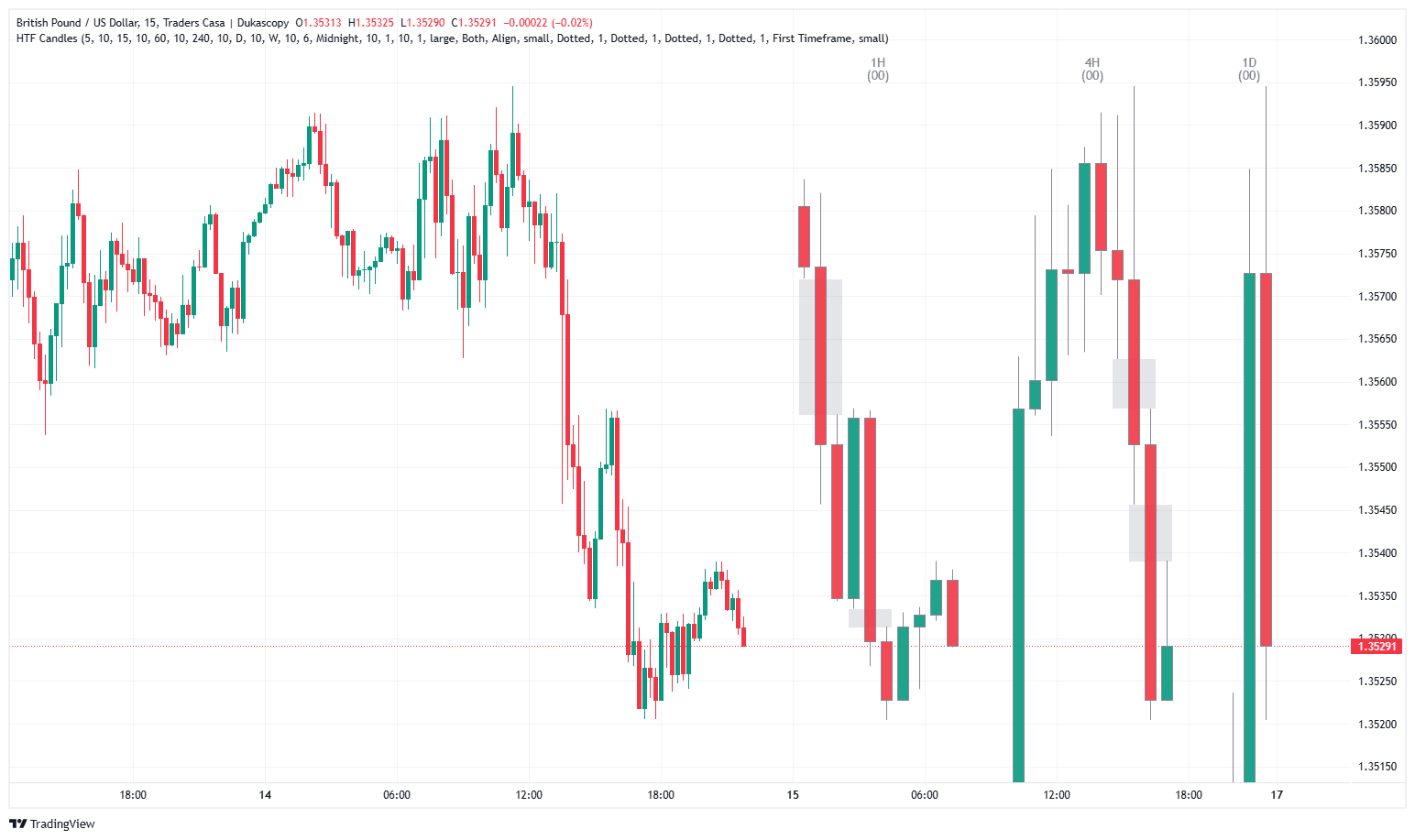
See up to six higher timeframes' candles beside your entry chart, with the imbalances between them and a countdown to each candle's close.
August 18, 2026
August 18, 2026
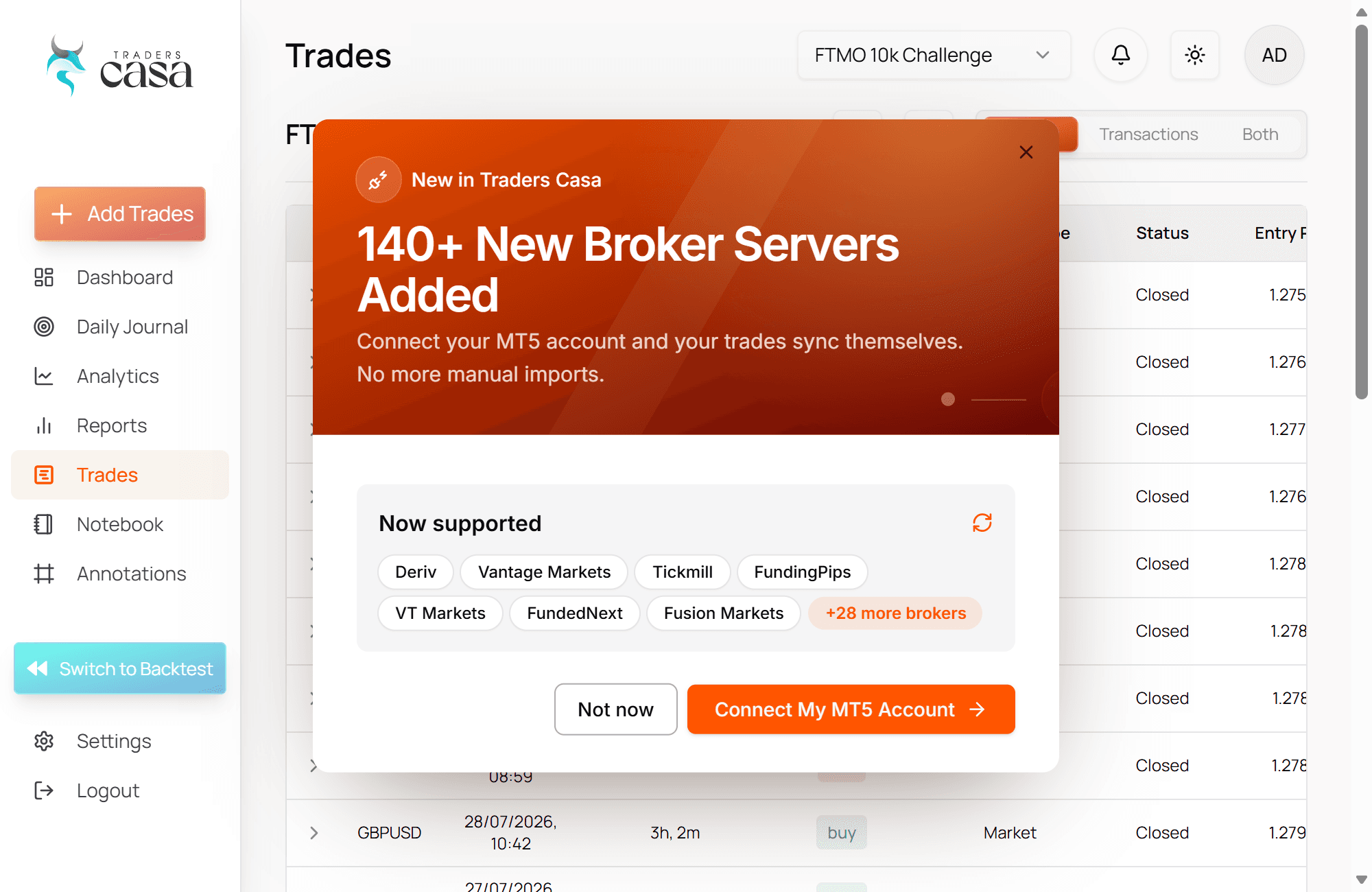
Connect your MT5 account and your trades sync themselves. No more manual imports.
August 18, 2026
August 18, 2026
Two more New Zealand dollar crosses joined the backtester, with history going back to 2006.
August 17, 2026
August 17, 2026
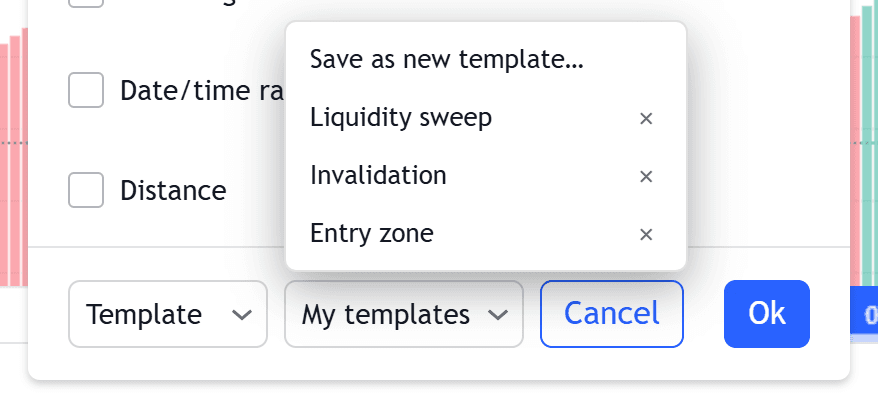
Style a drawing once, save it as a template, and apply it to every drawing of that type from then on.
August 17, 2026
August 17, 2026
Three more indicators for time-based trading, built around the price delivery arrays that form at specific times of day.
August 16, 2026
August 16, 2026
Higher-timeframe context without leaving your entry chart, plus the first of the time-based PDA indicators.
August 13, 2026
August 13, 2026
A round of polish across the indicator suite, focused on how levels are drawn and kept in sync as you move around the chart.
August 10, 2026
August 10, 2026
The classic moving average, done properly and searchable alongside the rest of the Traders Casa set.
August 5, 2026
August 5, 2026
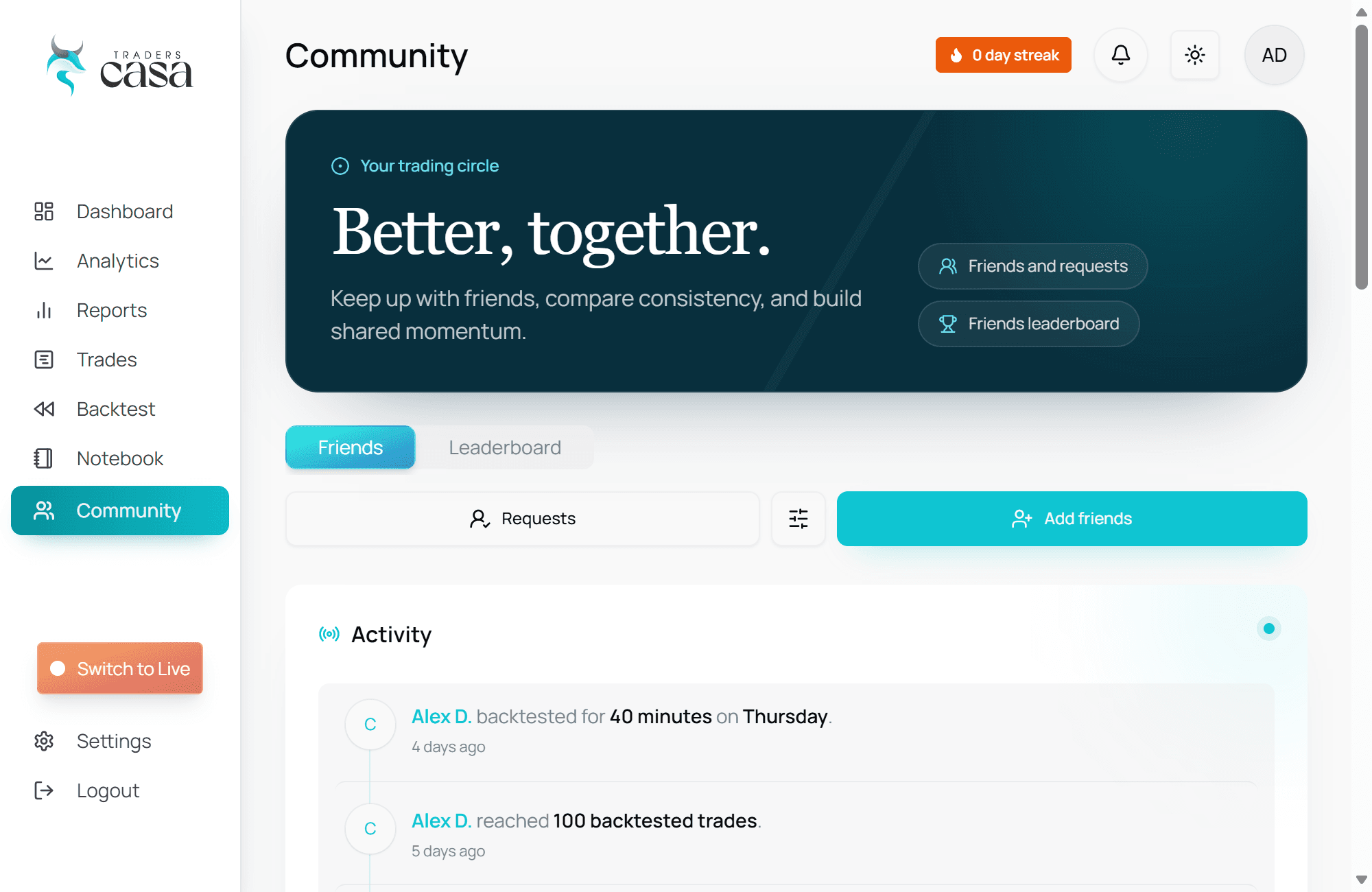
Trading just became social. The new Community tab lets you add friends, follow their progress in a shared activity feed, and go head-to-head in competitions.
August 5, 2026
August 5, 2026
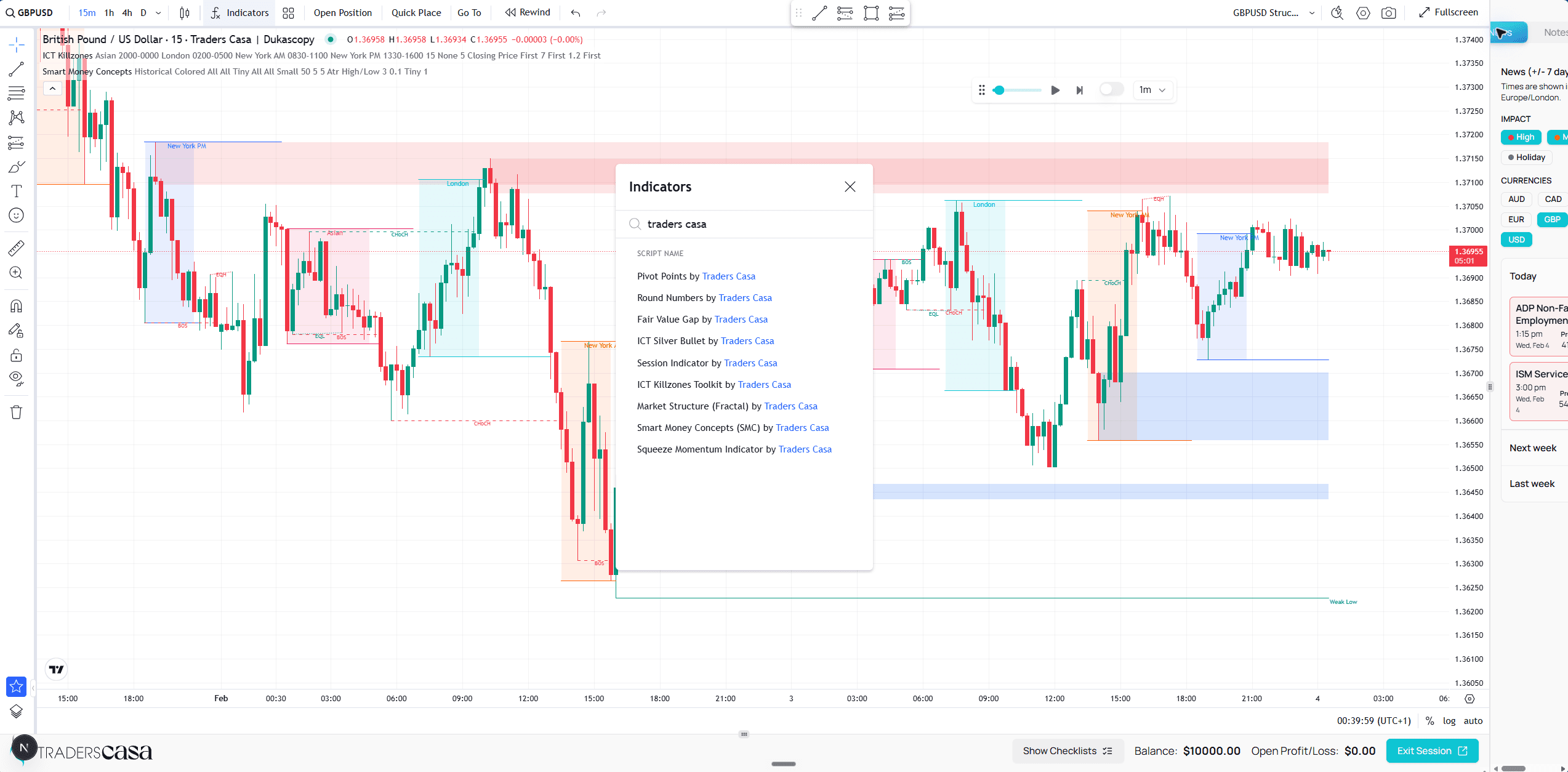
A full suite of indicators built by Traders Casa landed in the backtester, covering the concepts modern traders actually use.
July 26, 2026
July 26, 2026
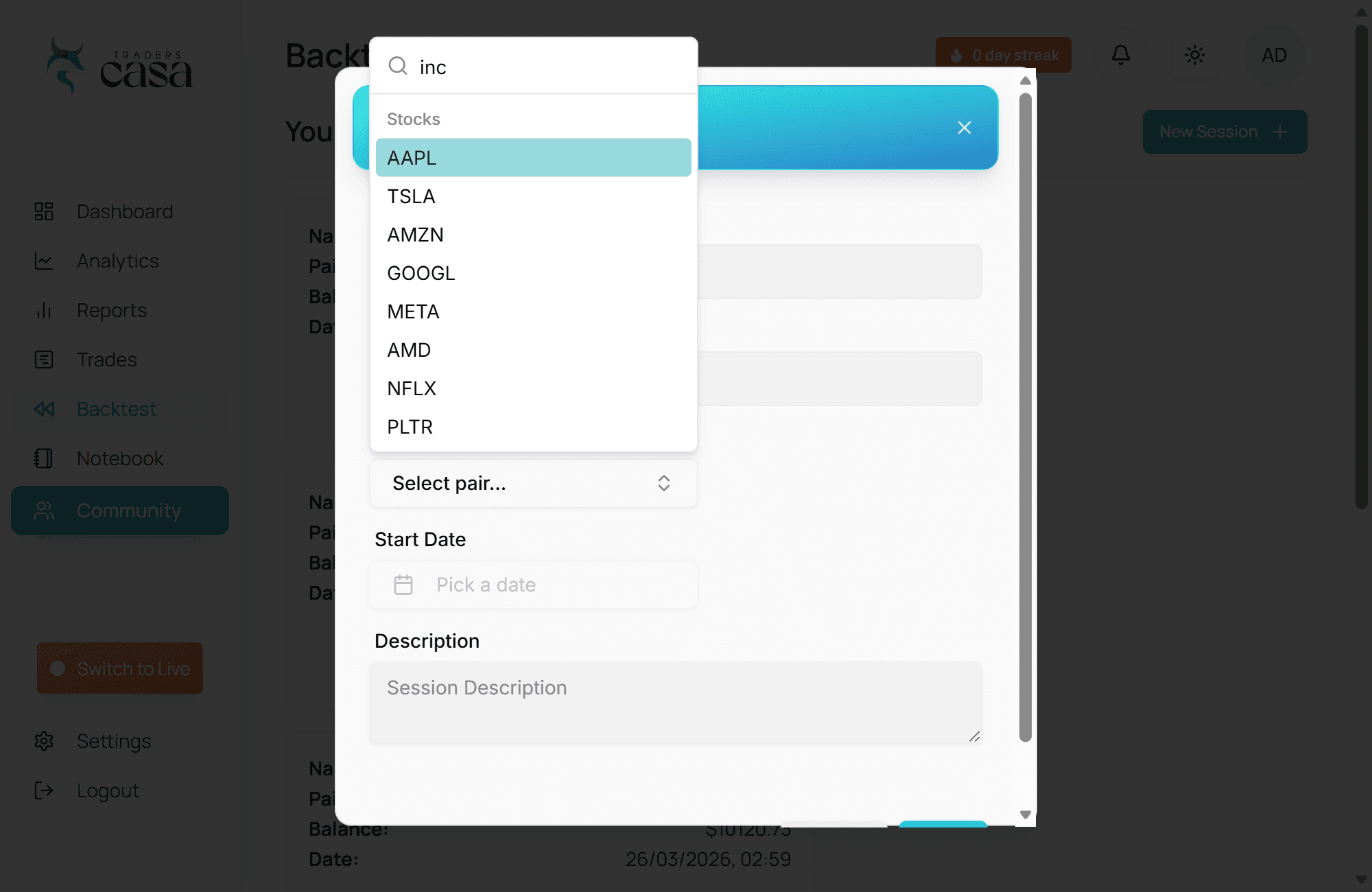
Backtesting expanded beyond forex: ten of the most-traded US stocks are now available with years of historical data.
May 22, 2026
May 22, 2026
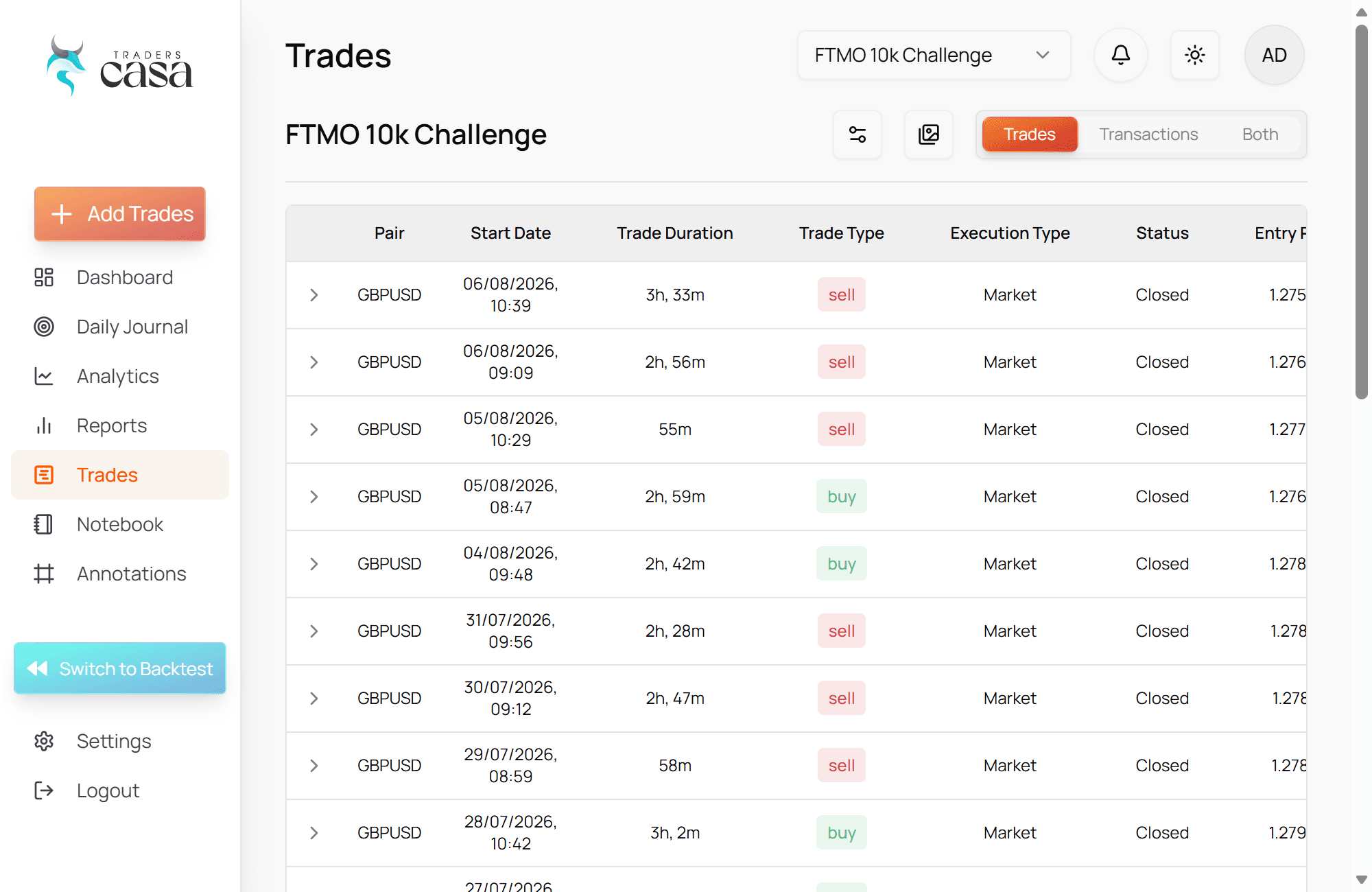
Journaling live trades got a serious upgrade with richer notes, image attachments, and a smoother review flow across your live accounts.
May 2, 2026
May 2, 2026
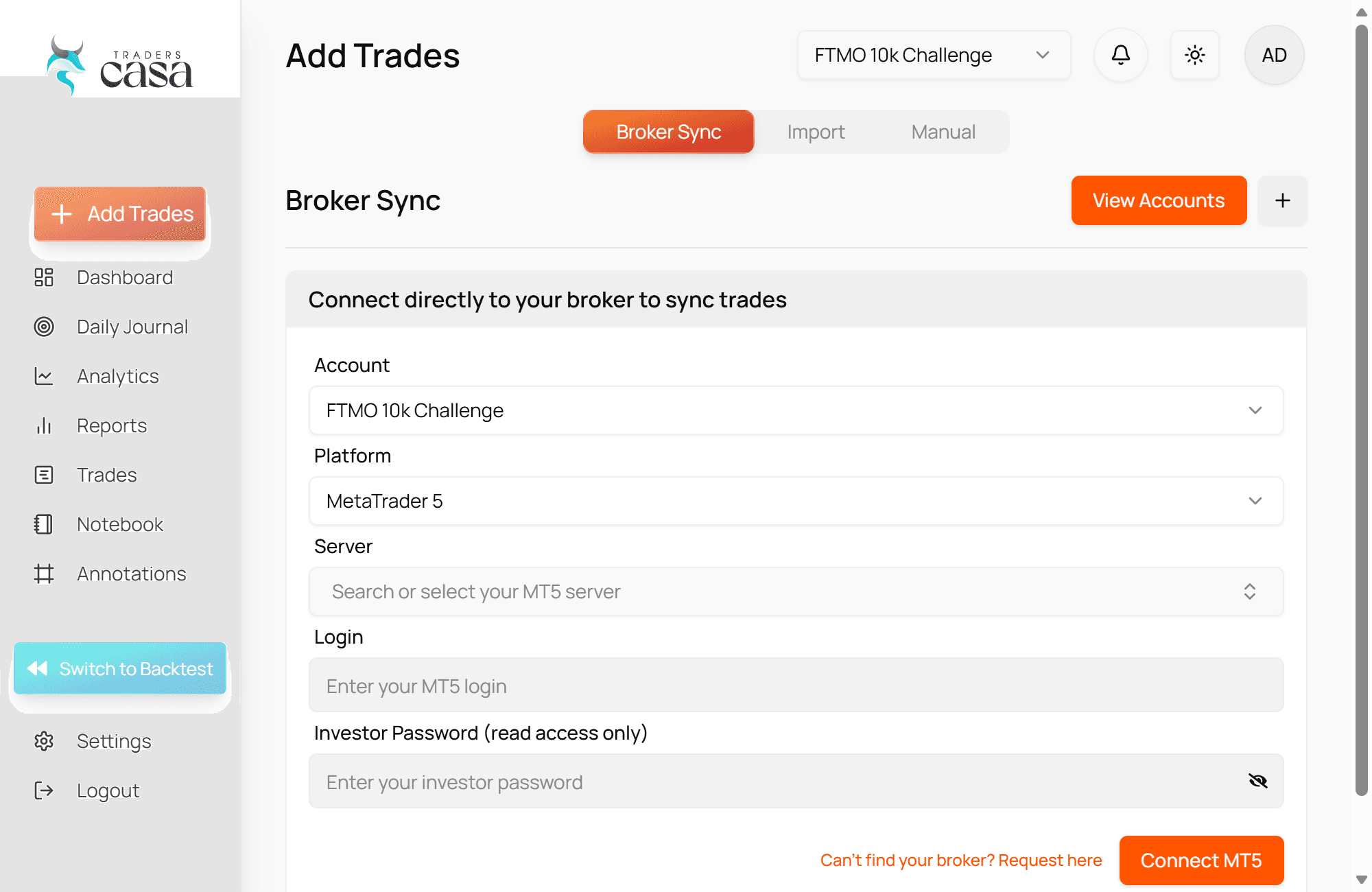
Connect your MetaTrader 5 account and your live trades import themselves — no more manual entry after every session.
March 27, 2026
March 27, 2026
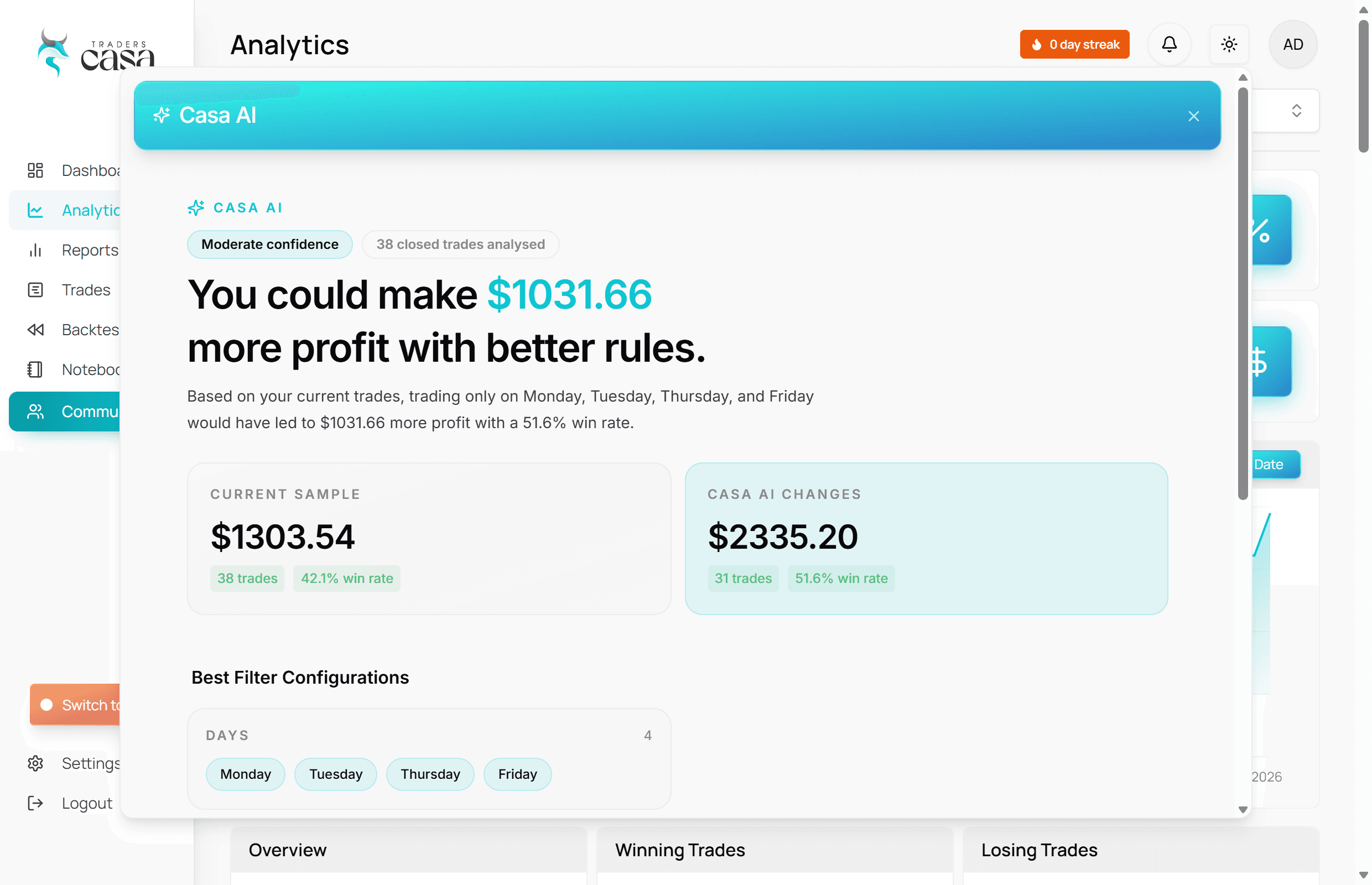
We’ve added Casa AI to your analytics page. It looks through your past trades and points out tweaks you can make to improve your results instantly.
March 18, 2026
March 18, 2026
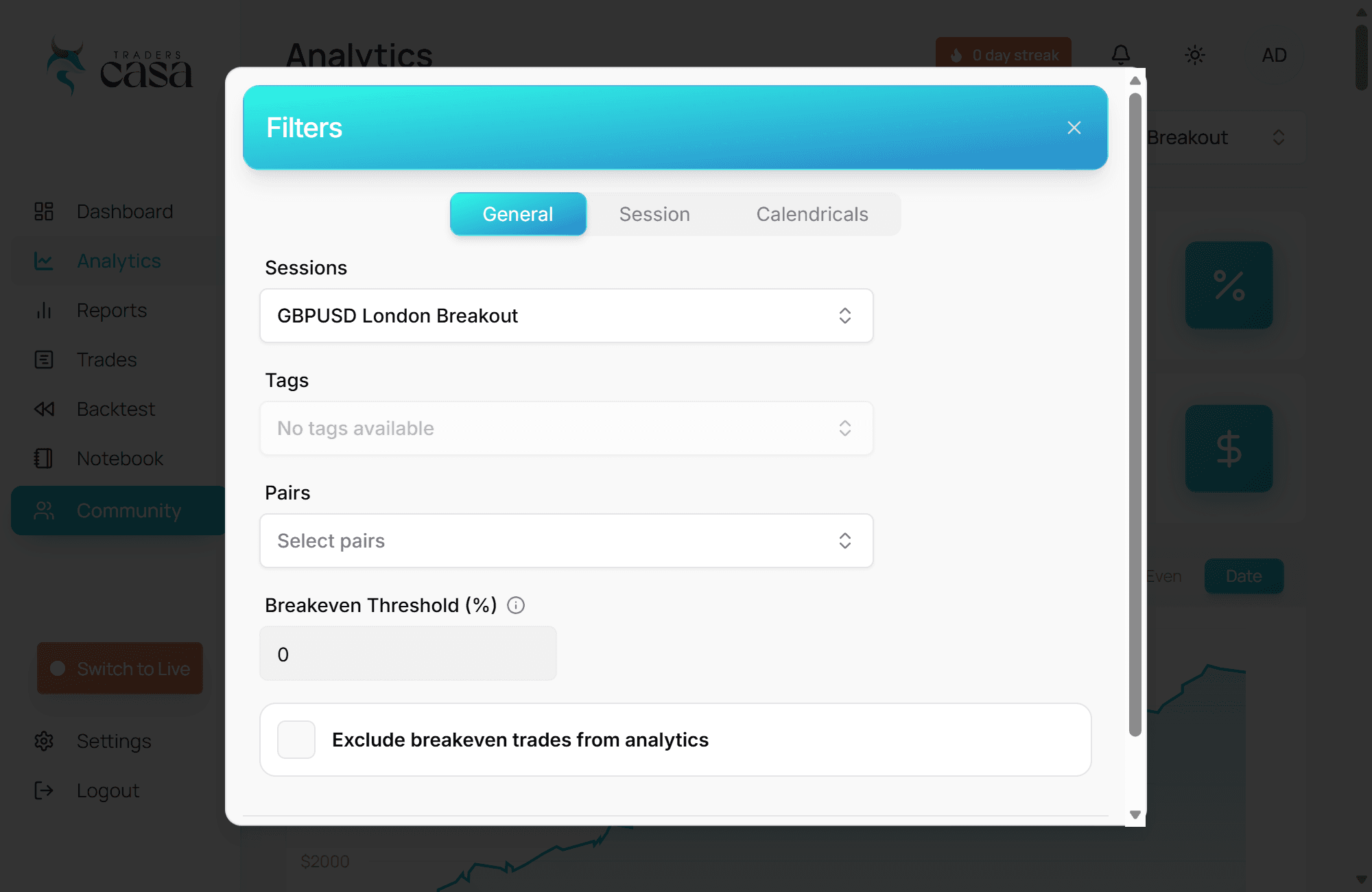
Backtesting became faster to navigate with dedicated filtering, making it easier to focus on the exact sessions and setups you wanted to review.
February 20, 2026
February 20, 2026
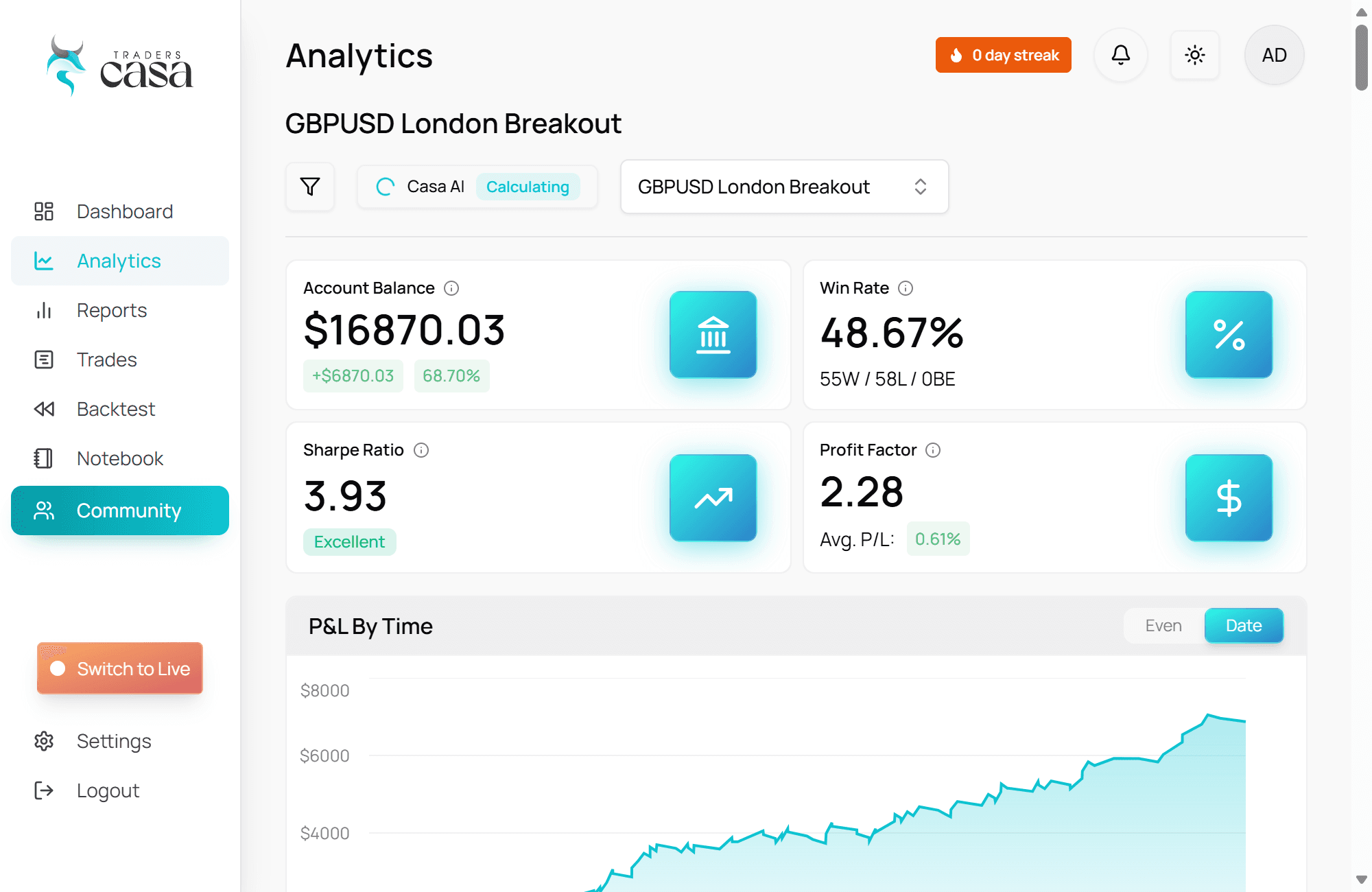
Analytics got a major depth upgrade with sharper performance metrics and the ability to compare multiple sessions at once.
January 24, 2026
January 24, 2026
A guided onboarding tutorial was added to help new users get comfortable with the core Traders Casa workflow faster.
January 16, 2026
January 16, 2026
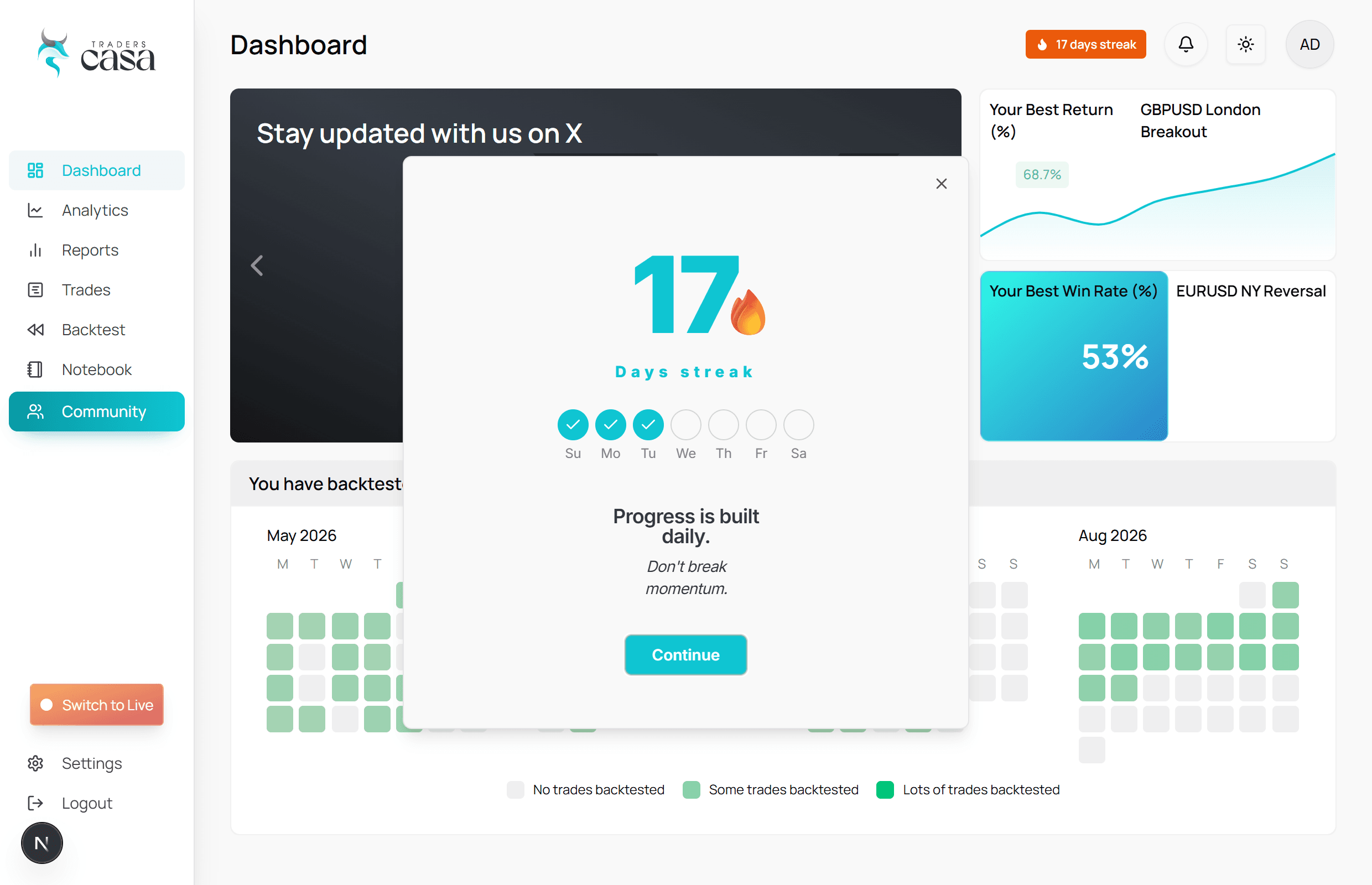
January introduced stronger progress feedback with streak milestones and trade milestone moments built into the product experience.
December 19, 2025
December 19, 2025
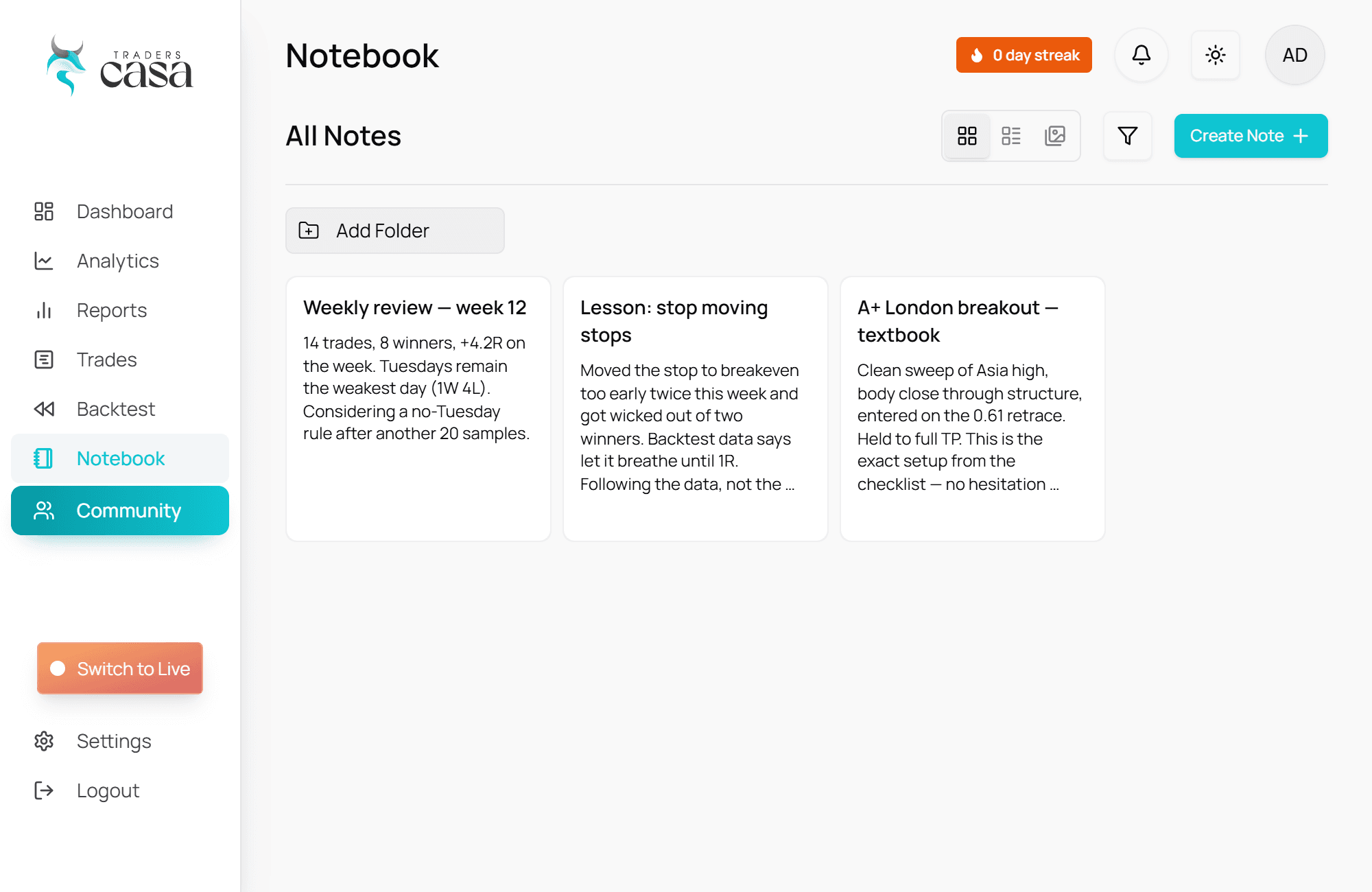
The notebook experience was upgraded to feel more polished, more useful, and better connected to the rest of the trading workflow.
November 14, 2025
November 14, 2025
Chart layouts became much more seamless with autosave support and layout data loading directly with the session.
September 18, 2025
September 18, 2025
Backtest sessions became more reliable with cleaner timeframe sync and chart layouts saving automatically when leaving a session.
August 23, 2025
August 23, 2025

The full Traders Casa app officially launched on August 23, 2025, bringing the production platform out of beta with major upgrades across backtesting, speed, analytics, and design.
🚨 APP RELEASE NOW LIVE GLOBALLY! 🚨 🏆 Traders Casa has officially moved from BETA to APP We are incredibly thankful for everyone🙏 that has joined us on this journey, as it would not be possible without you😁 ~ Team Casa pic.twitter.com/acasMD3GzK
— Traders Casa (@traders_casa) August 25, 2025
Thank you to everyone who backed us, tested with us, and helped get Traders Casa to this point.
~ Team Casa