
Broker sync
MetaTrader broker sync for a journal that updates itself
Traders Casa Broker Sync connects your MetaTrader 5 account to your live trading journal and automatically imports your closed trades. Instead of rebuilding your trading history by hand after every session, your actual fills enter the journal for you, leaving your time for reviewing what happened and comparing live execution with the strategy you backtested.
- MT5 broker servers supported
- 140+MT5 broker servers supported
- Investor password cannot place or close trades
- Read onlyInvestor password cannot place or close trades
- Broker sync, CSV import or manual entry
- 3 routesBroker sync, CSV import or manual entry
- Included on the Pro plan
- ProIncluded on the Pro plan
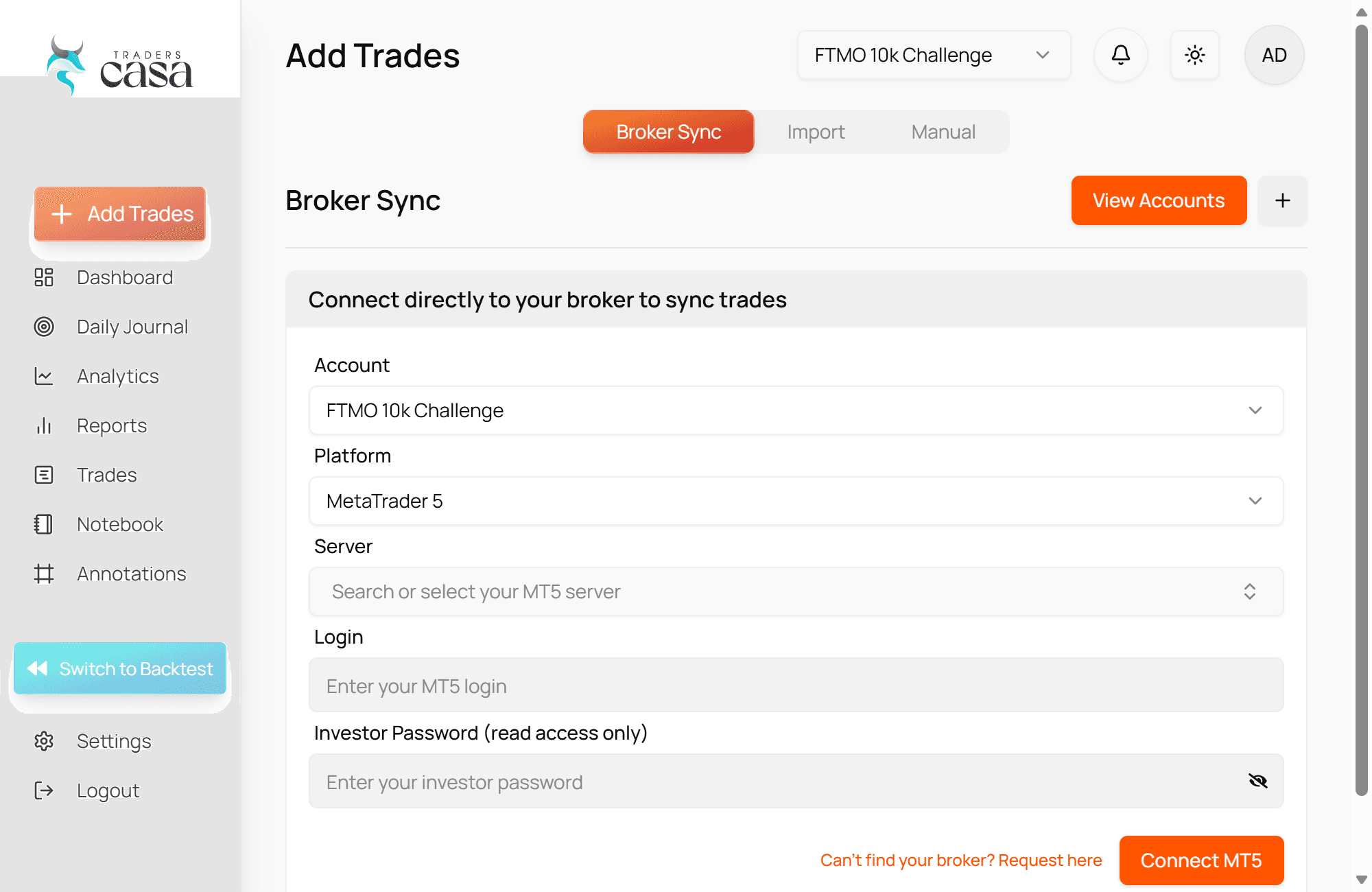
Connect MetaTrader 5 with read-only access
An investor password lets Traders Casa read the account, not trade it.
Broker Sync connects Traders Casa to your MetaTrader 5 account using your account number, broker server and investor password.
An investor password is different from the password you use to trade. It provides read-only access to the account, so it can be used to view trading activity without giving permission to open, close or modify trades.
Why that matters
Traders Casa needs access to your trade history so it can build your journal. It does not need permission to trade on your behalf.
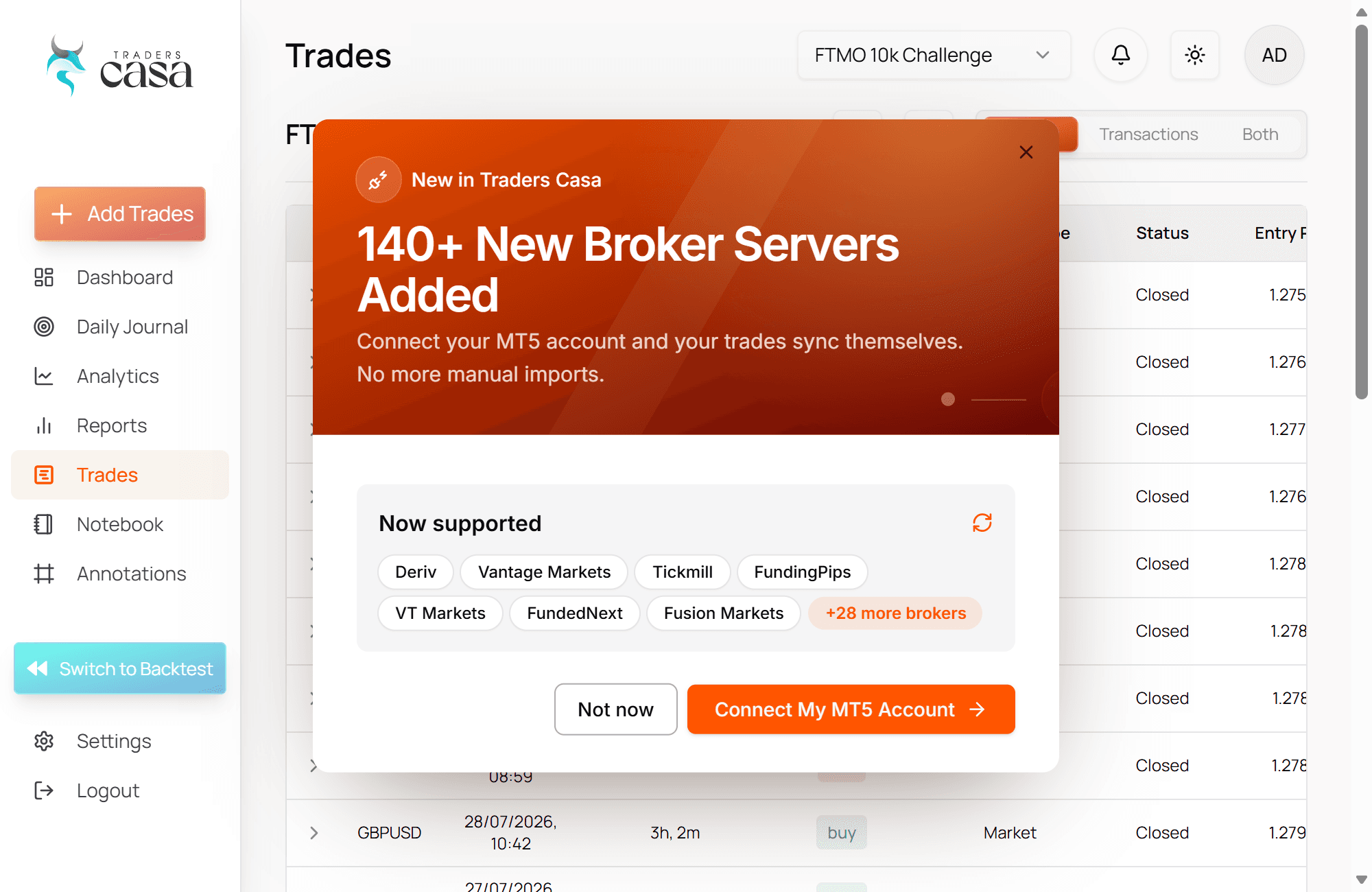
The connection supports more than 140 MT5 broker servers. If your broker server is supported, you connect the account once and let Broker Sync handle the routine import work after that.
There is no claim here that Traders Casa has the largest broker list. Some trading journals advertise much broader coverage. The point of Broker Sync is simpler: if your MT5 server is supported, you can remove manual trade entry from your normal journalling process.
Your closed trades go straight into the live journal
This removes the part of journalling that fails first.
Broker Sync imports closed trades from your connected MetaTrader 5 account into the Traders Casa live journal. That removes the part of journalling that tends to fail first: sitting down after trading and typing trades into another system.
You do not have to remember to copy yesterday's fills into a spreadsheet. You do not have to reconstruct a week of trading on Sunday because you stopped updating the journal on Tuesday.
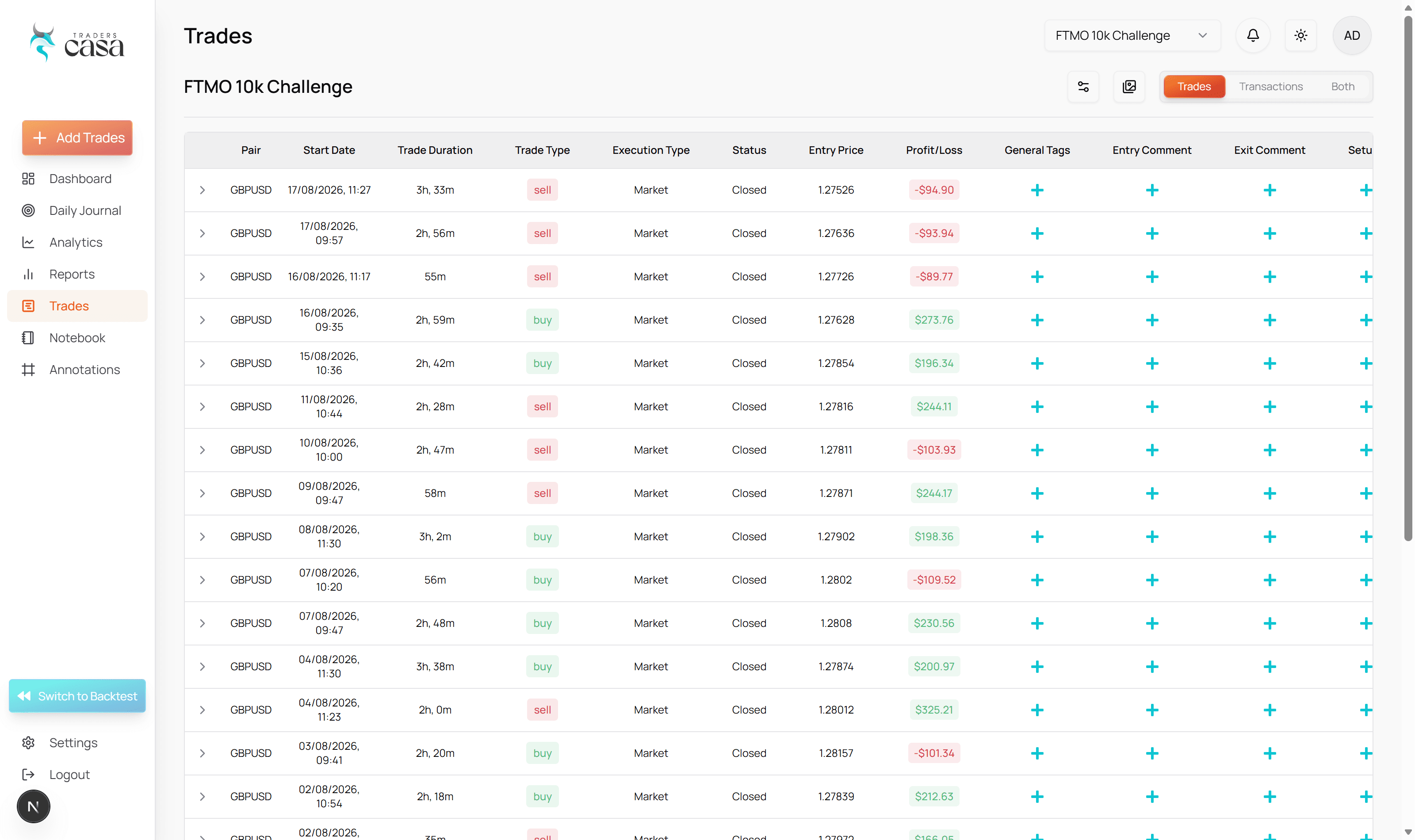
The imported trades also do not sit in a separate broker-sync log. They enter the same Traders Casa environment where you can work with your backtests.
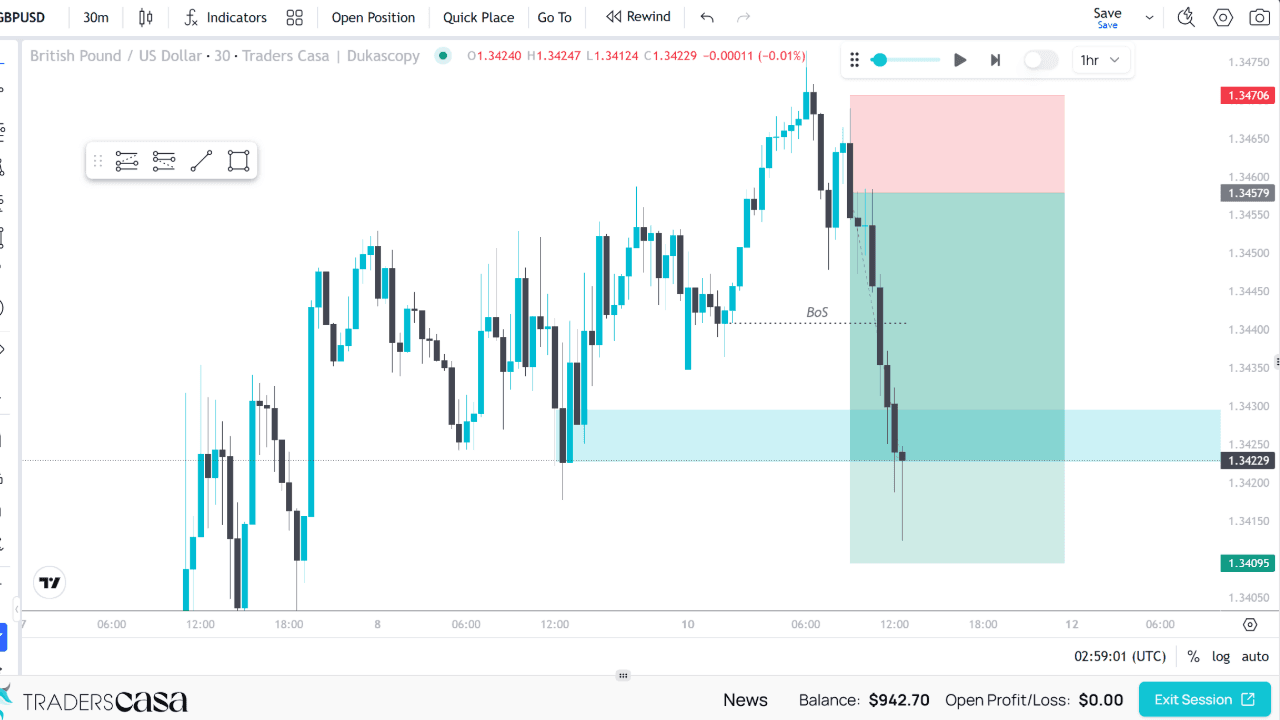
That is the useful difference. You can test a strategy, trade it with real money, then review the live fills alongside the work that defined what you expected the strategy to do. Your backtesting record and your live trading record are not separate exercises.
If your account cannot sync, you can still get the trades in
Direct MT5 sync will not cover every trading account.
Traders Casa currently supports more than 140 MT5 broker servers, but there will be brokers or account configurations outside that coverage. You still have two ways to add those trades.
Broker Sync
The lowest effort route when your MT5 broker server is supported. Connect once and closed trades import automatically.
CSV import
Export your trading data, upload the file and bring the trades in without entering every position individually.
Manual entry
For the cases that still need individual handling, or when you want full control over what gets recorded.
MetaTrader 5 is the only platform supported by Broker Sync today. MT4 and cTrader support are coming, but they are not currently available.
A complete record makes your analytics worth trusting
A journal can only analyse the trades that reach it.
That sounds obvious, but it is where manual records break down. You enter every trade for the first few days. Then you miss one session, promise to catch up later, and gradually end up analysing a partial sample.
The problem is not simply that the journal looks untidy. Missing trades can change the picture the journal gives you.
The quiet bias
If difficult sessions are more likely to go unrecorded, your review is no longer based on the full trading history. The analytics can be accurate for the trades you entered while still being unrepresentative of how you actually traded.
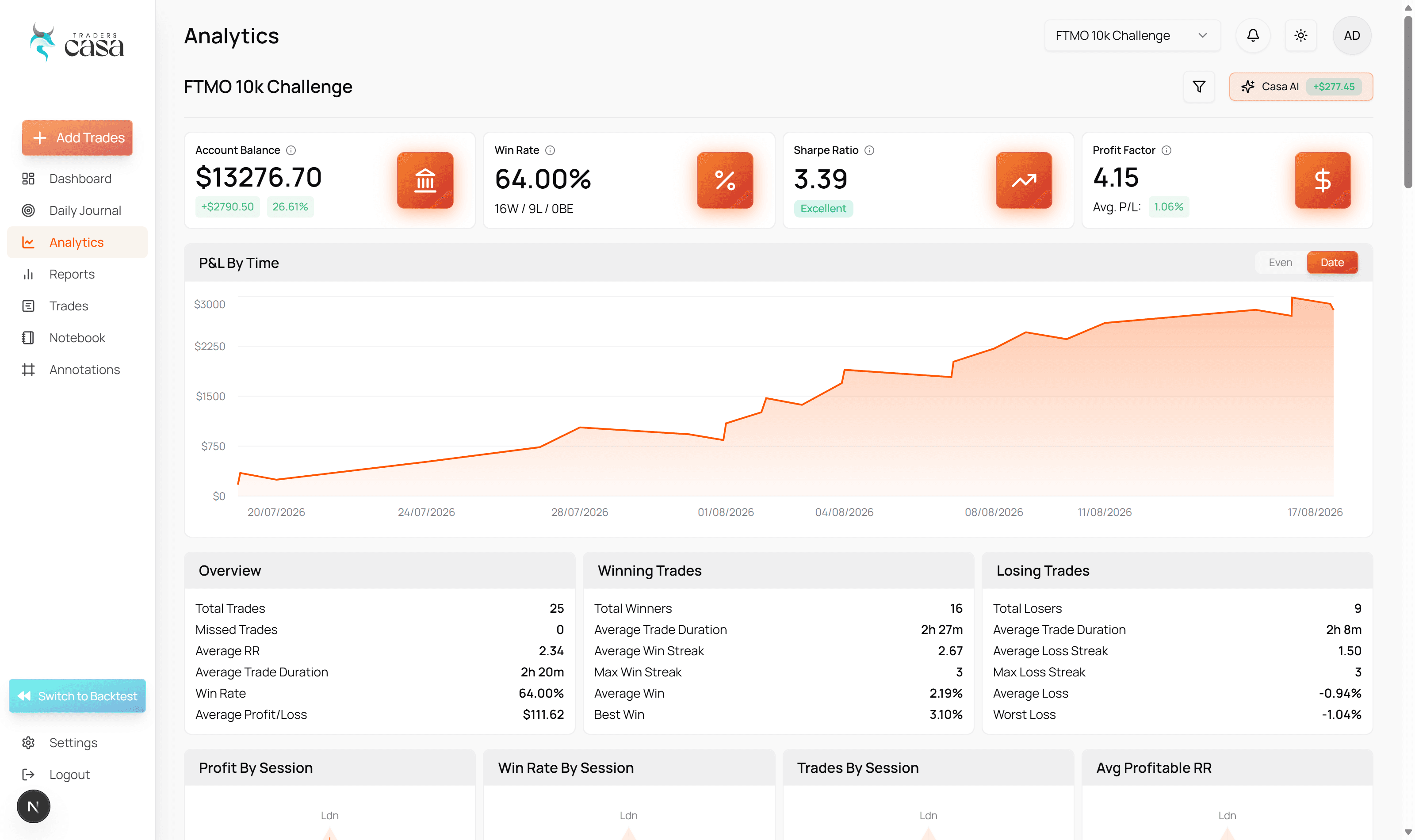
Automatic import removes that dependency on end of day motivation. Your closed MT5 trades keep entering the journal, giving the analytics a more complete record to work from. You can spend your review time examining the trading rather than maintaining the dataset behind it.
The same record can then be considered alongside your backtests. Instead of asking only how your live account performed, you can examine the more useful question: how did the trades you actually took compare with the strategy you tested?
Who it is for
Broker Sync is for retail forex traders using MetaTrader 5 who want to journal real trades but do not want manual data entry to become another task after the trading day.
It is particularly useful if you already backtest strategies and want your live fills in the same place, including traders using supported MT5 accounts through prop firms.
Broker sync FAQs
Which brokers and platforms are supported?
Broker Sync currently supports MetaTrader 5 and more than 140 MT5 broker servers. Coverage depends on the server your account uses, so not every MT5 account will necessarily connect directly. MT4 and cTrader are coming, but they are not supported today. If direct sync is unavailable, you can still bring trades in by CSV import or manual entry.
Is Broker Sync safe?
Broker Sync connects to MetaTrader 5 using your investor password, which provides read-only access to the account. That means the connection can read the trading information needed for your journal, but it cannot use that access to place, close or modify trades. Traders Casa does not need your trading password for Broker Sync to import your closed trades.
What trades does Broker Sync import?
Broker Sync automatically imports closed trades from your connected MetaTrader 5 account into the Traders Casa live journal. The purpose is to remove routine transcription from your journalling process. Once trades are in the journal, you have a record of your real execution to review rather than recreating it manually from MT5 after each session.
What if my broker cannot connect directly?
You have two fallbacks. You can import your trades using a CSV file, or enter trades manually. Direct Broker Sync is the lowest effort route when your MT5 broker server is supported, but it is not the only route into the journal, so an unsupported connection does not stop you keeping your record inside Traders Casa.
How much does Broker Sync cost?
Broker Sync is included with Traders Casa Pro. Pro costs $30 per month, or $24 per month when billed annually. You can start with the free signup before deciding whether Pro and Broker Sync fit your workflow. There is no artificial deadline or limited allocation.
More features
All features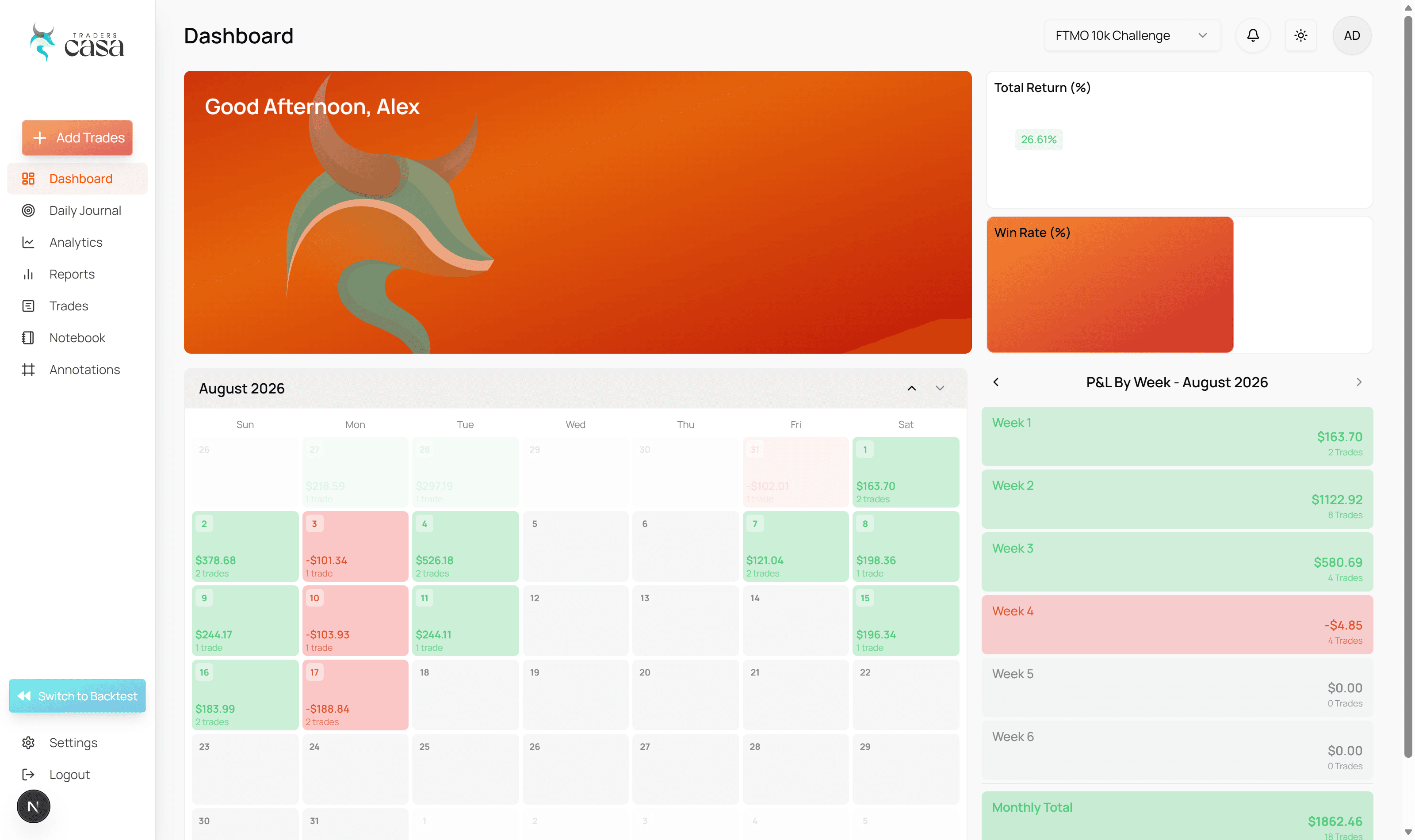

Start on the free plan
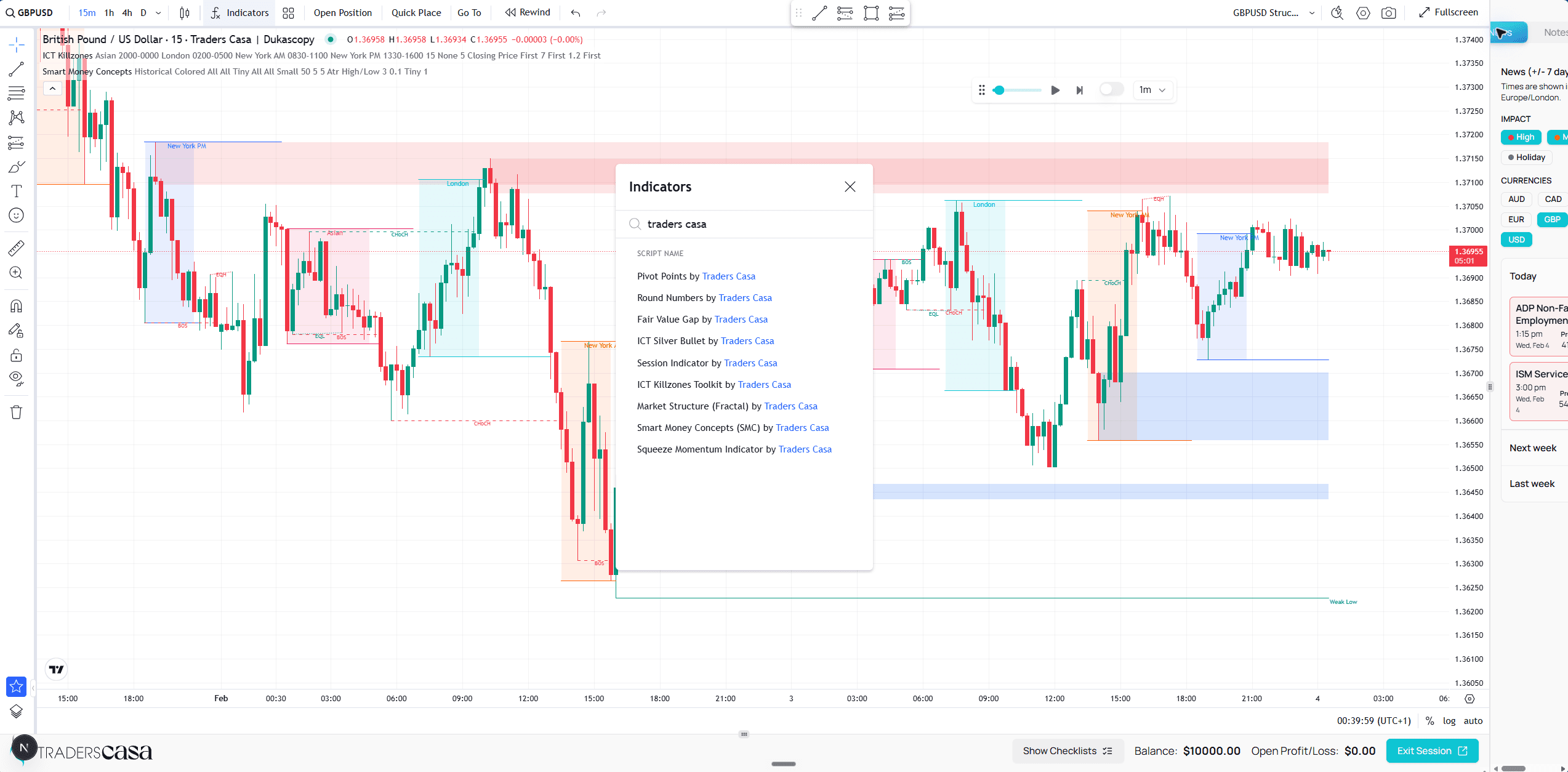
Unlimited backtest sessions on TradingView powered charts, and the free plan never expires. Upgrade when you need the rest.