
Trading journal template
A free trading journal template for Excel and Google Sheets
This trading journal template gives you one place to log trades, track your rules and review your results. It calculates win rate, profit factor, expectancy and drawdown for you. Use it in Excel, Google Sheets or LibreOffice.
- No email, account or card
- Free
- Per trade, with useful dropdowns
- 1 row
- Updated as you log trades
- 6 numbers
- Excel, Google Sheets and LibreOffice
- 3 apps
trading-journal-template.xlsx
Download the template
Get the full workbook or just the journal columns for importing elsewhere.
Using Google Sheets?
Open a blank sheet. Choose File, Import, Upload, then pick the XLSX. Your dropdowns, formulas and charts come with it.
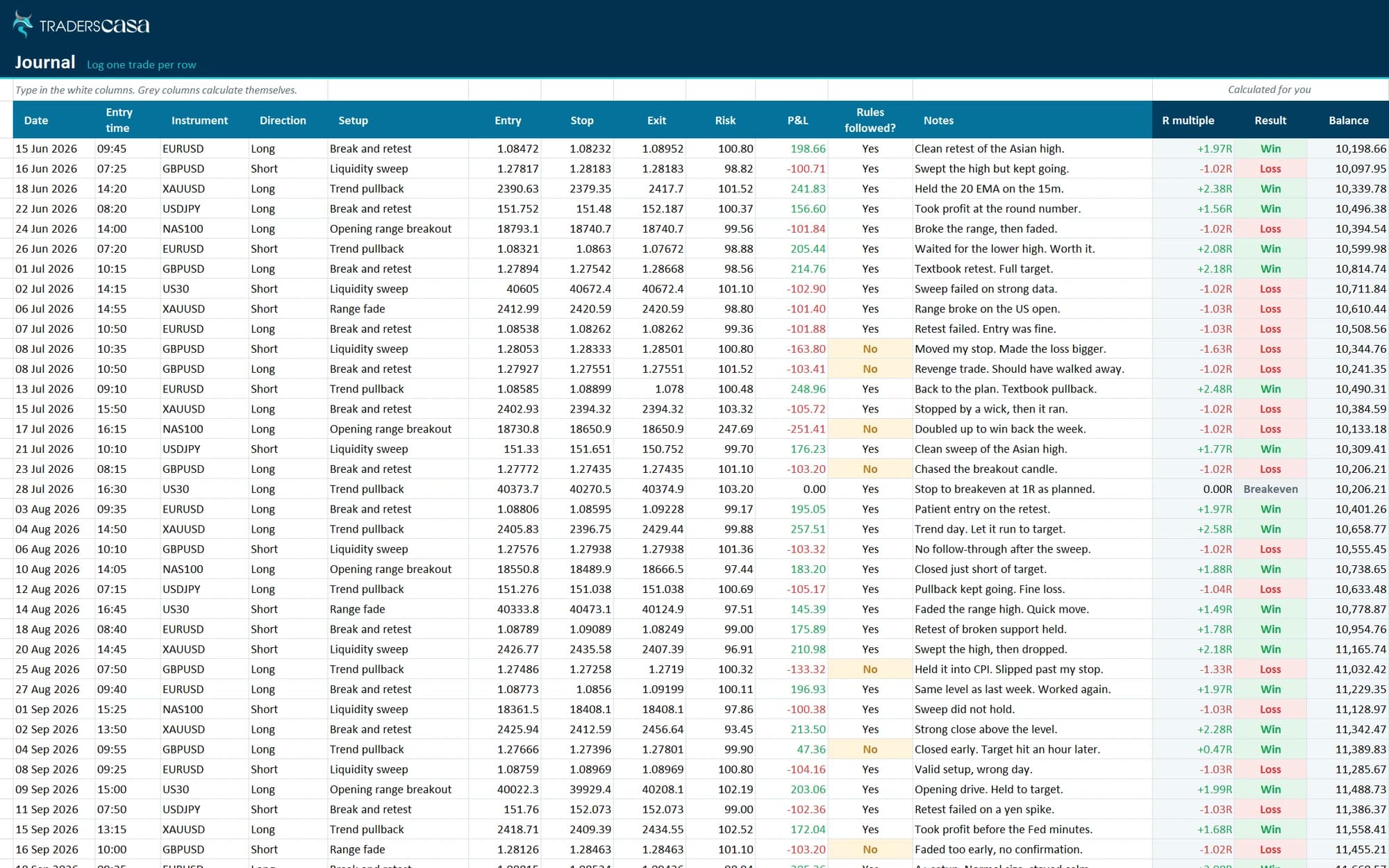
Log a trade in under a minute
Enter the trade. The workbook handles the calculations.
Dropdowns for repeats
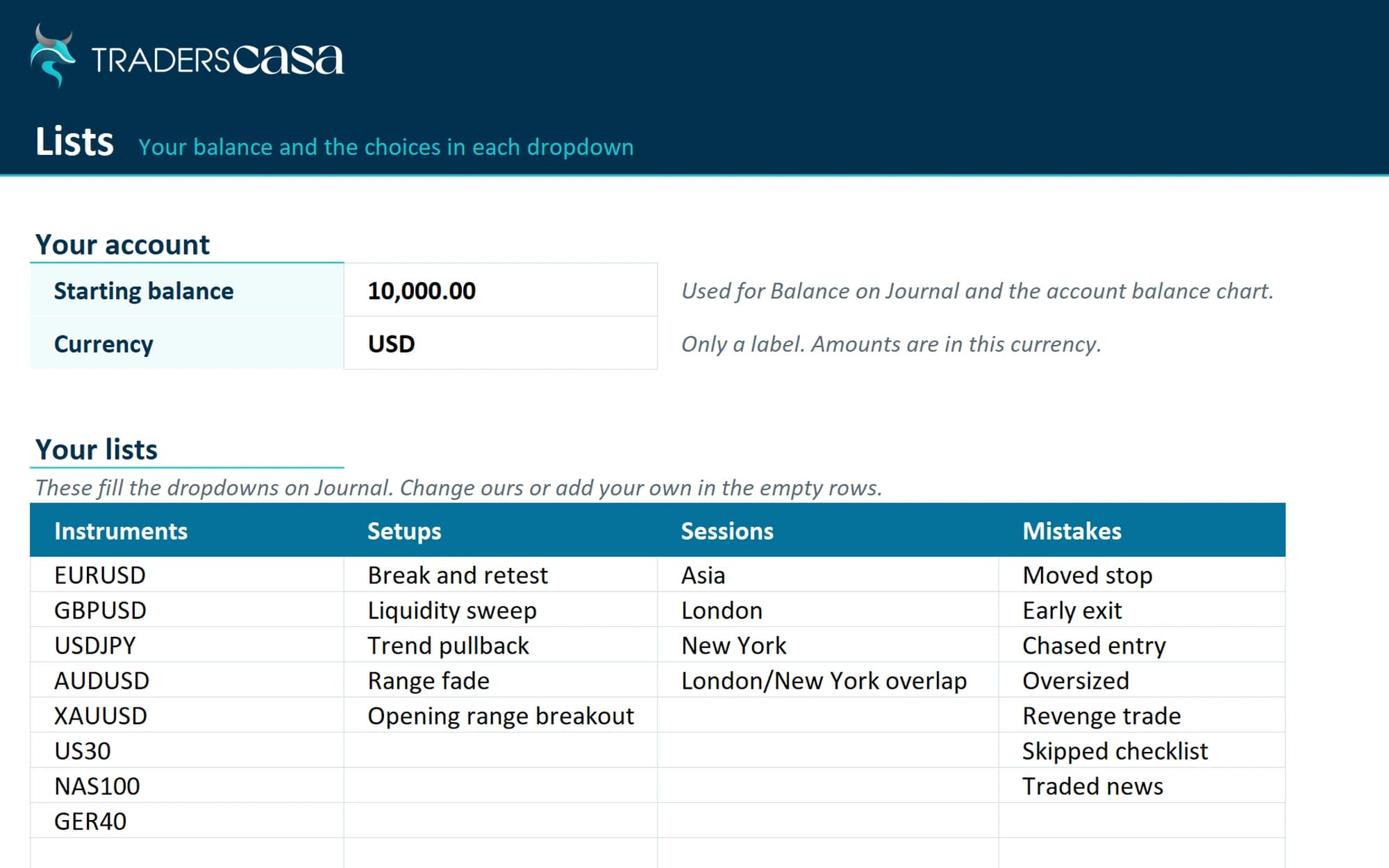
Pick your instrument, direction, setup, session, mistake and grade from lists you control.
R calculated for you
Enter your risk and P&L. Your R multiple and result calculate automatically.
Balance after every trade
Your running balance updates with each trade, while the dashboard tracks max drawdown.
Room for the why
Mark whether you followed your rules, tag mistakes and add notes or a screenshot link.
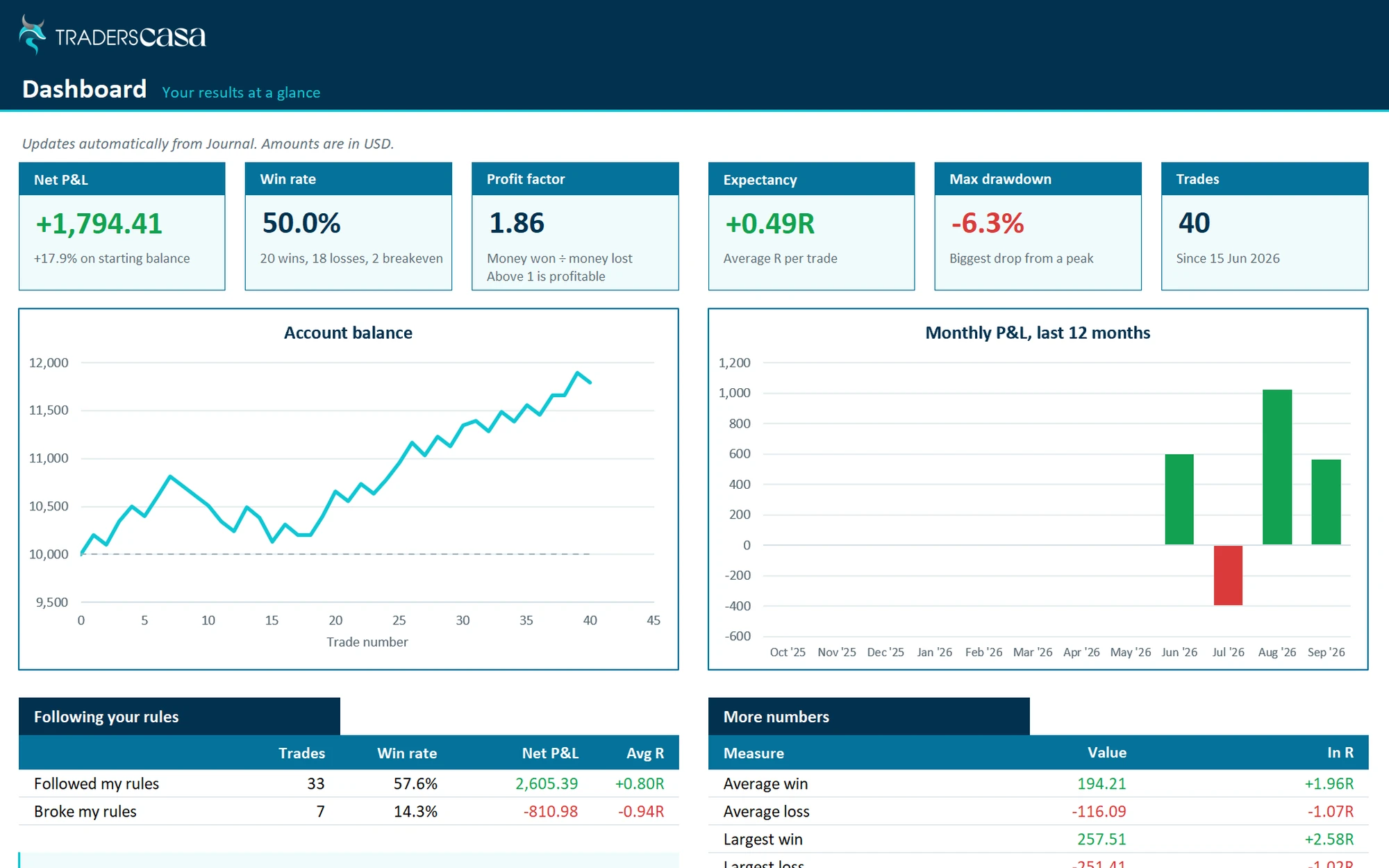
A dashboard that does the maths
Six headline numbers, two charts and breakdowns that show what is working.
| Number | What it tells you |
|---|---|
| Win rate | The share of your trades that make money. |
| Profit factor | Money won divided by money lost. Above 1 means you are ahead. |
| Expectancy | What your average trade makes in R. Positive means an edge. |
| Max drawdown | Your biggest drop from a high, showing how deep a bad run went. |
| Rules followed | Compare your results when you follow the plan and when you break it. |
- Win rate
- The share of your trades that make money.
- Profit factor
- Money won divided by money lost. Above 1 means you are ahead.
- Expectancy
- What your average trade makes in R. Positive means an edge.
- Max drawdown
- Your biggest drop from a high, showing how deep a bad run went.
- Rules followed
- Compare your results when you follow the plan and when you break it.
Below that, see results by setup, session and weekday. A cost-of-mistakes table shows what each mistake costs you, while the balance and 12-month P&L charts show the bigger picture.
How to use it
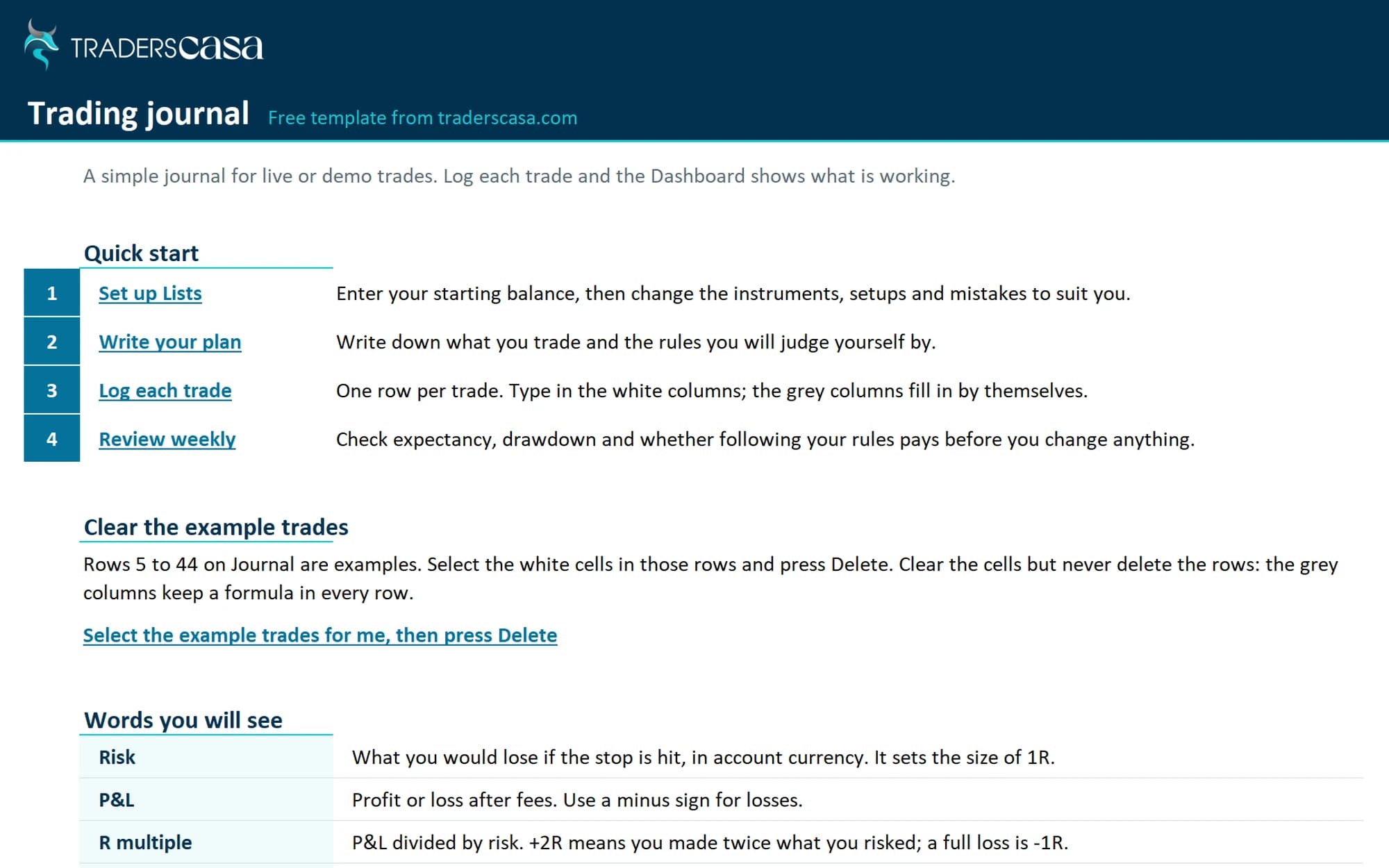
Set it up
Add your starting balance, instruments, setups and other dropdown choices on Lists.
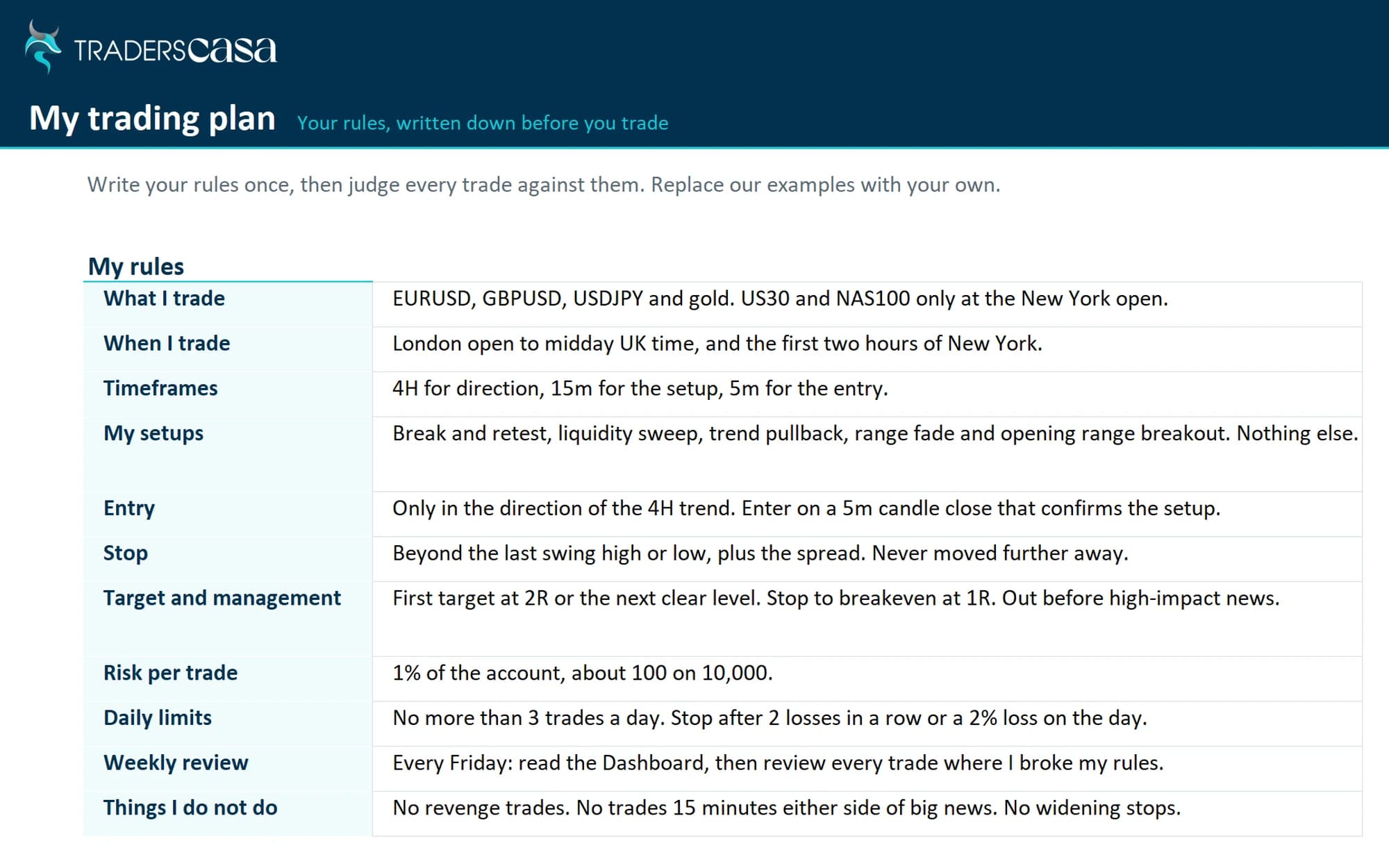
Write your plan
Complete the Plan sheet and six-point pre-trade checklist before reviewing your trades.
Log every trade
Add each trade when you take it. Winners, losers and breakevens all count.
Review weekly
Check the dashboard once a week. Find patterns, then change one thing at a time.
When a spreadsheet is not enough
Spreadsheets work. The trade-off is doing the logging yourself.
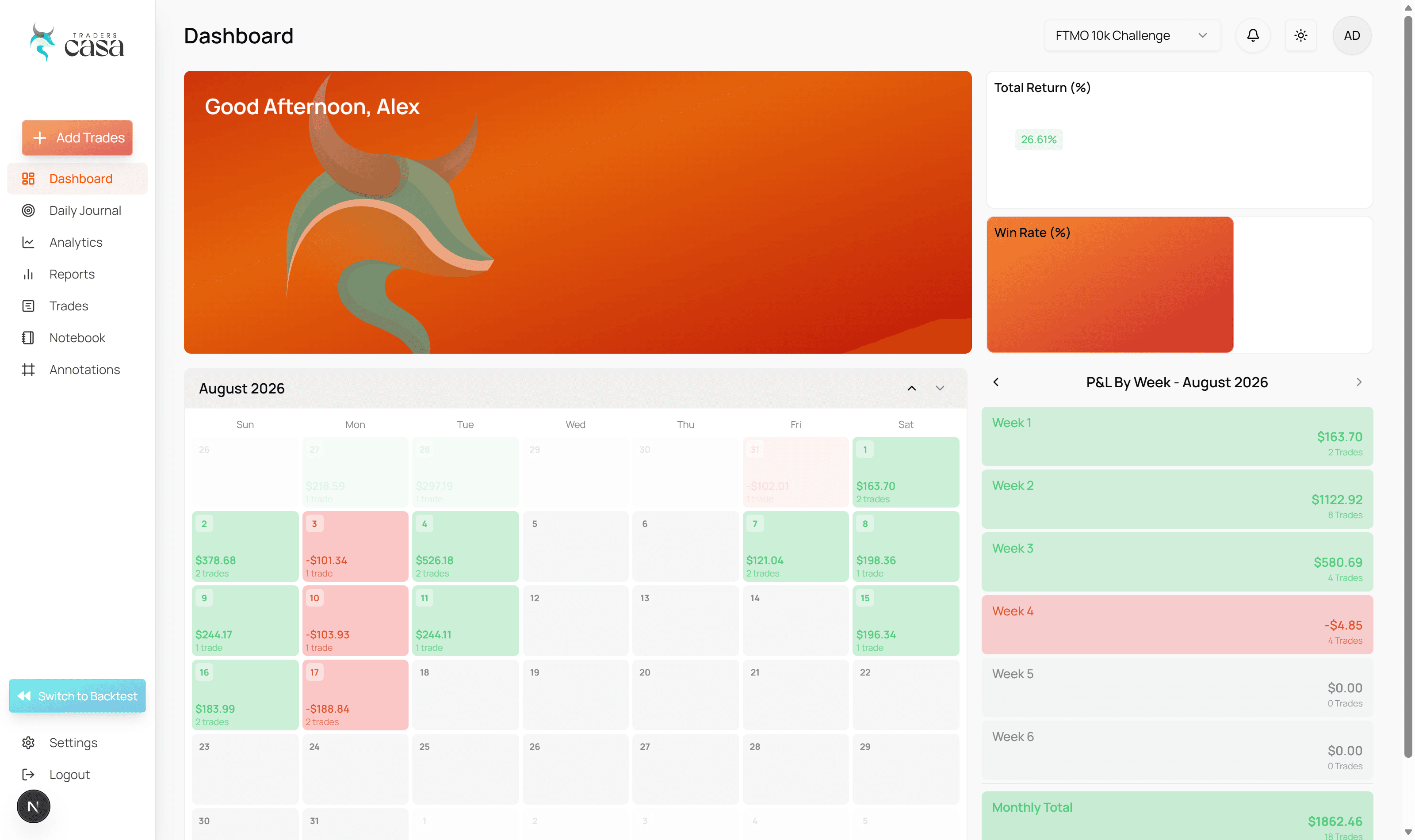
Manual entry gets slower as the trades pile up. Traders Casa records backtest trades automatically on every plan, including Free. Pro adds the live trade journal with broker sync. Stick with the spreadsheet while it does the job.
Questions, answered
Is this trading journal template really free?
Yes. Download the full 282 KB XLSX and 1 KB CSV with no email, account or card. The workbook includes example trades so you can see how everything works before clearing them and adding your own.
Does it work in Google Sheets?
Yes. Open a blank Google Sheet, then choose File, Import, Upload and select the XLSX. It also works in Excel and LibreOffice. The Journal has 1,000 rows ready, so clear cells rather than deleting rows.
What should I record for each trade?
Record the date, entry time, instrument, direction, setup, entry, stop, exit, risk and P&L. Then mark whether you followed your rules and add notes. You can also track session, target, size, mistake, grade and a screenshot link.
How do I remove the example trades?
Open Start here and use the link that selects the example trades. Press Delete to clear their cells. Do not delete the rows, as the Journal already has formulas set up across its 1,000 ready rows.
Should I use a spreadsheet or trading journal software?
Use whichever you will keep updated. A spreadsheet gives you control but needs manual entry. Traders Casa records backtest trades automatically on every plan, including Free. The live trade journal with broker sync is available on Pro only.
More free tools
All free tools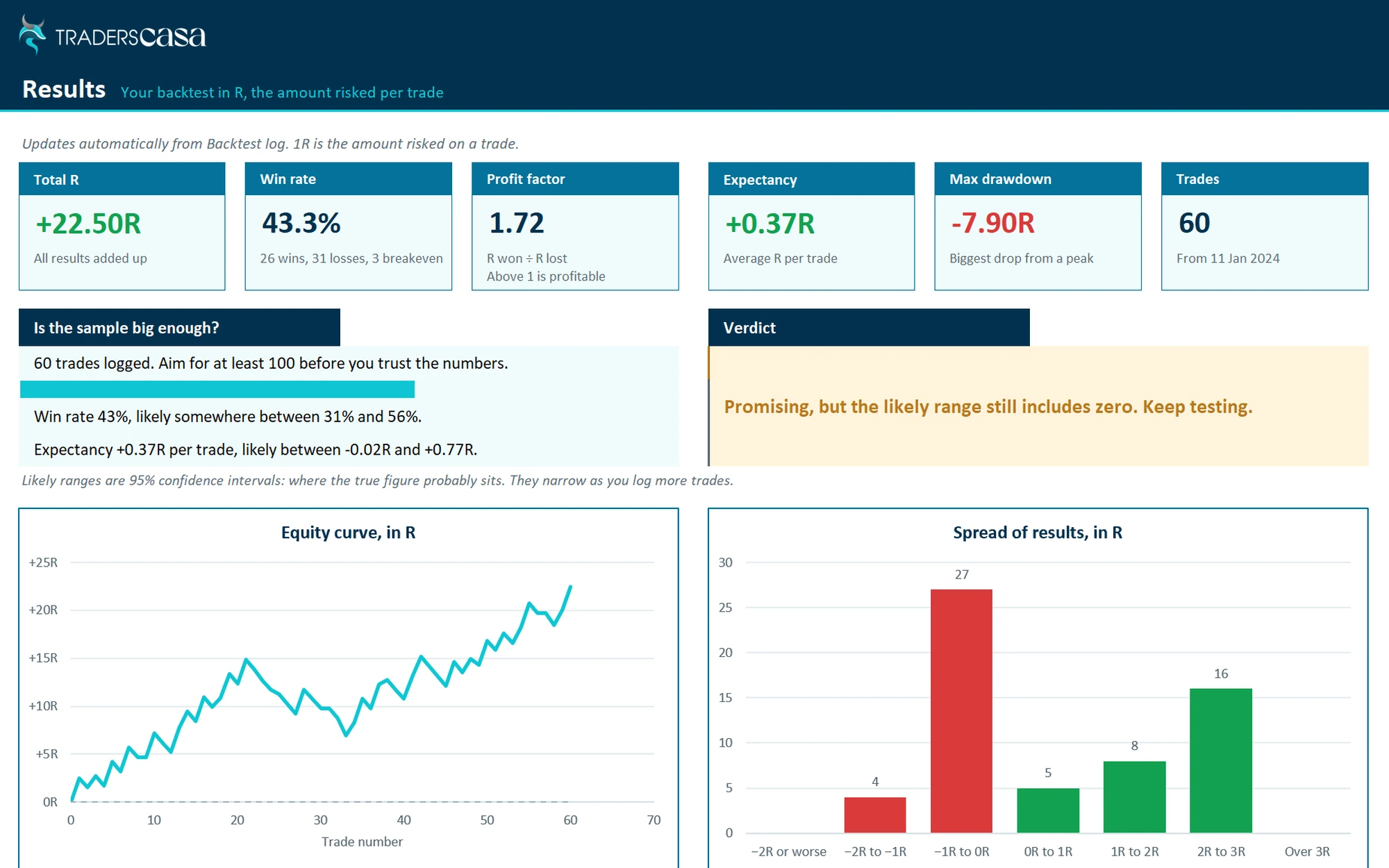

Or let it log itself
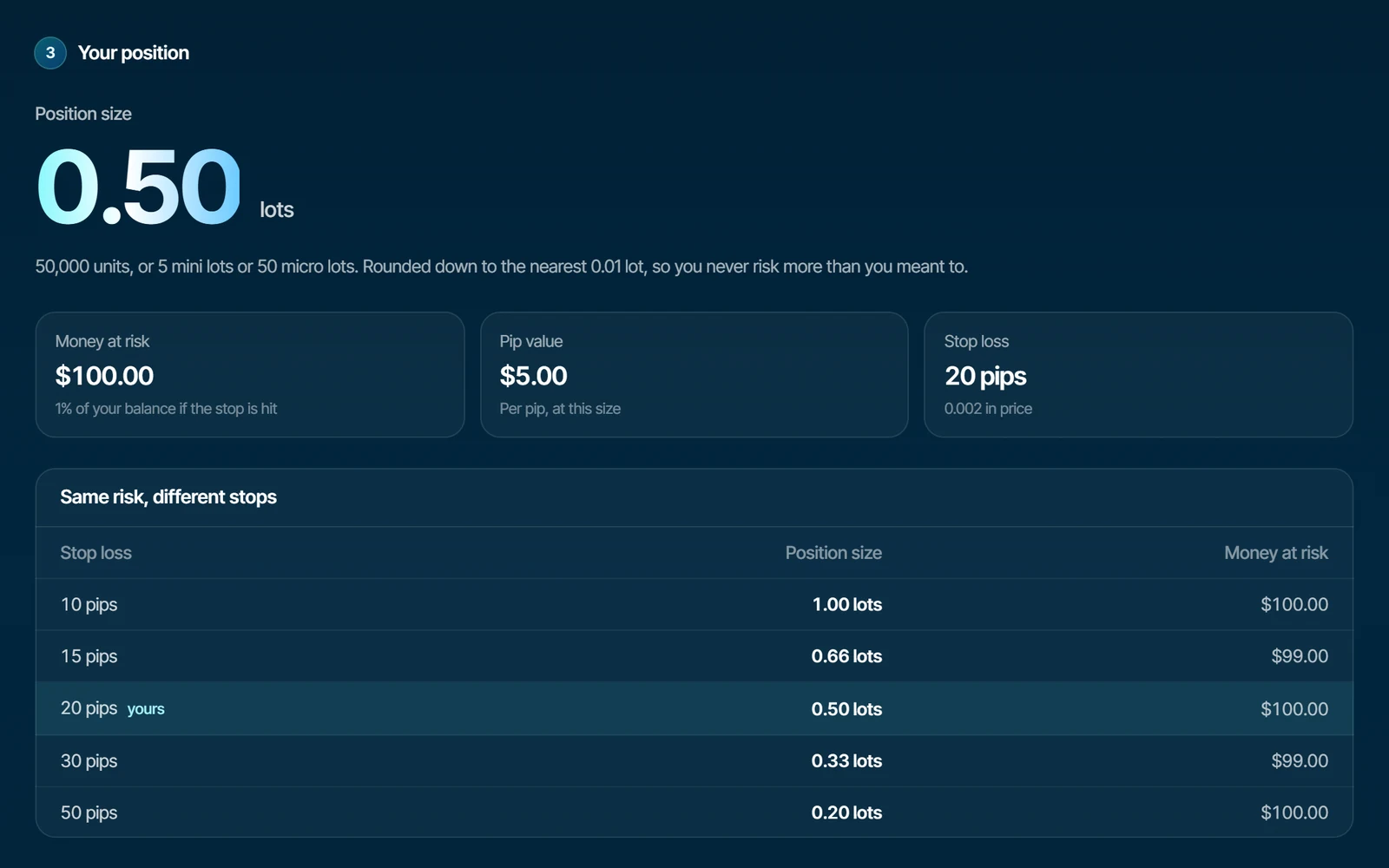
Traders Casa records every backtest trade automatically on TradingView powered charts. Unlimited sessions are included on the free plan.